Church event and service planning Ministry OS
Plan events, programs and Sunday services in one app instead of separate spreadsheets, with an AI coach for new plans and a link that lets volunteers claim an open MC or prayer leader slot.
The assessment is free, with no commitment. You answer about 15 questions and pick a time, or call +1 908 357 7801.
About Ministry OS
Coordinators plan events, programs and Sunday services together in Ministry OS, a planning app Pure Water Automations built for churches and ministries. It is live at ministryos.cloud, where people sign in with Google, and its guest follow-up feature is still in beta.
Why we built Ministry OS
Events and the Sunday service schedule each ran on a separate Google Sheets tool. Those tools were slow to open and limited by what a spreadsheet can hold.
How Ministry OS works
A one-time event, a course or discipleship program, and a weekly gathering such as a Sunday service all live in the same workspace and follow the same layout. Once a coordinator learns one, the other two feel familiar.
To start something new, describe it to the AI coach or fill in a short form. For an event, the coach drafts tasks, roles and a budget, with ideas from your past events of the same type. For a Sunday service, it sets up the roles, the coming Sundays and a series of weekly topics.
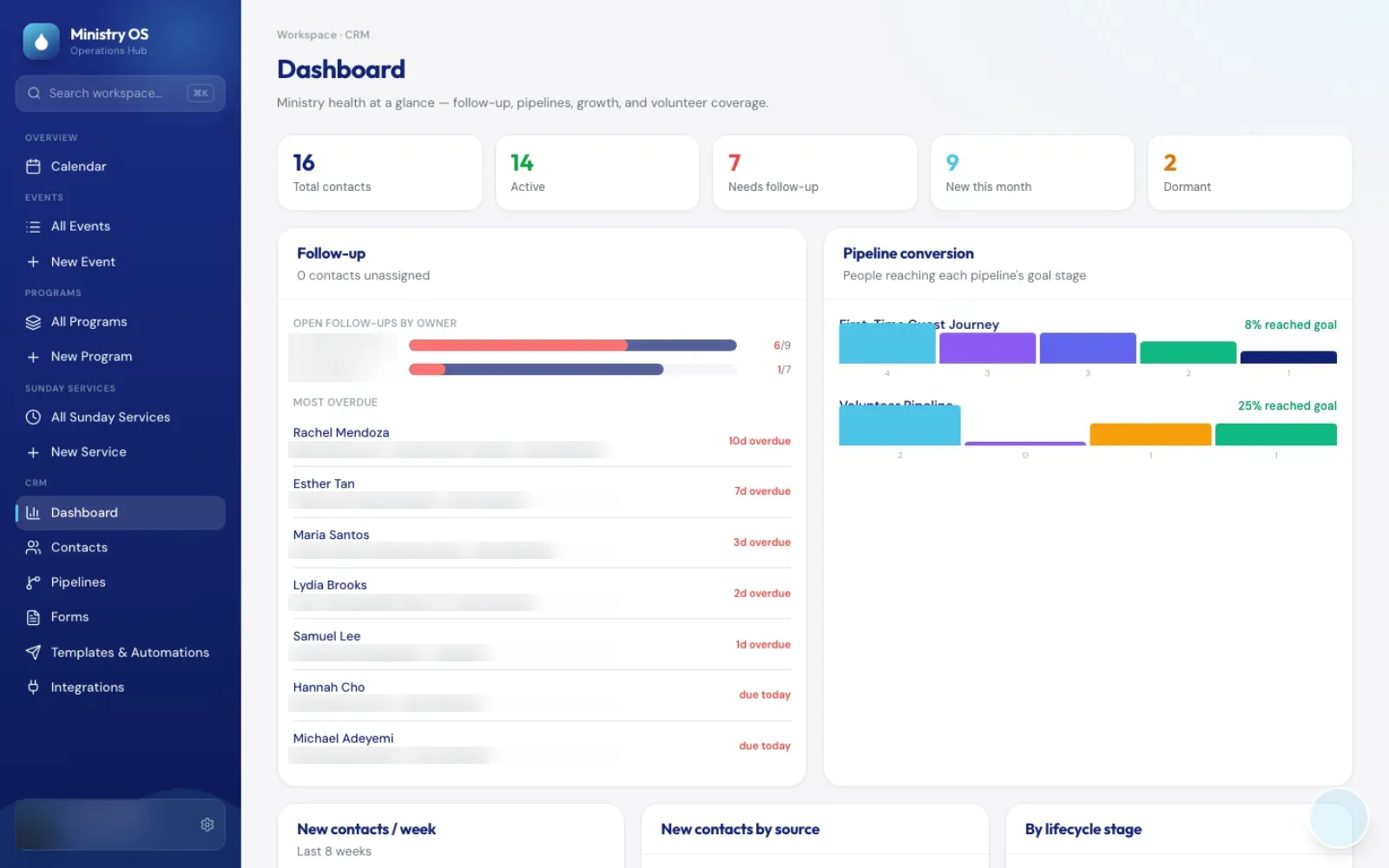
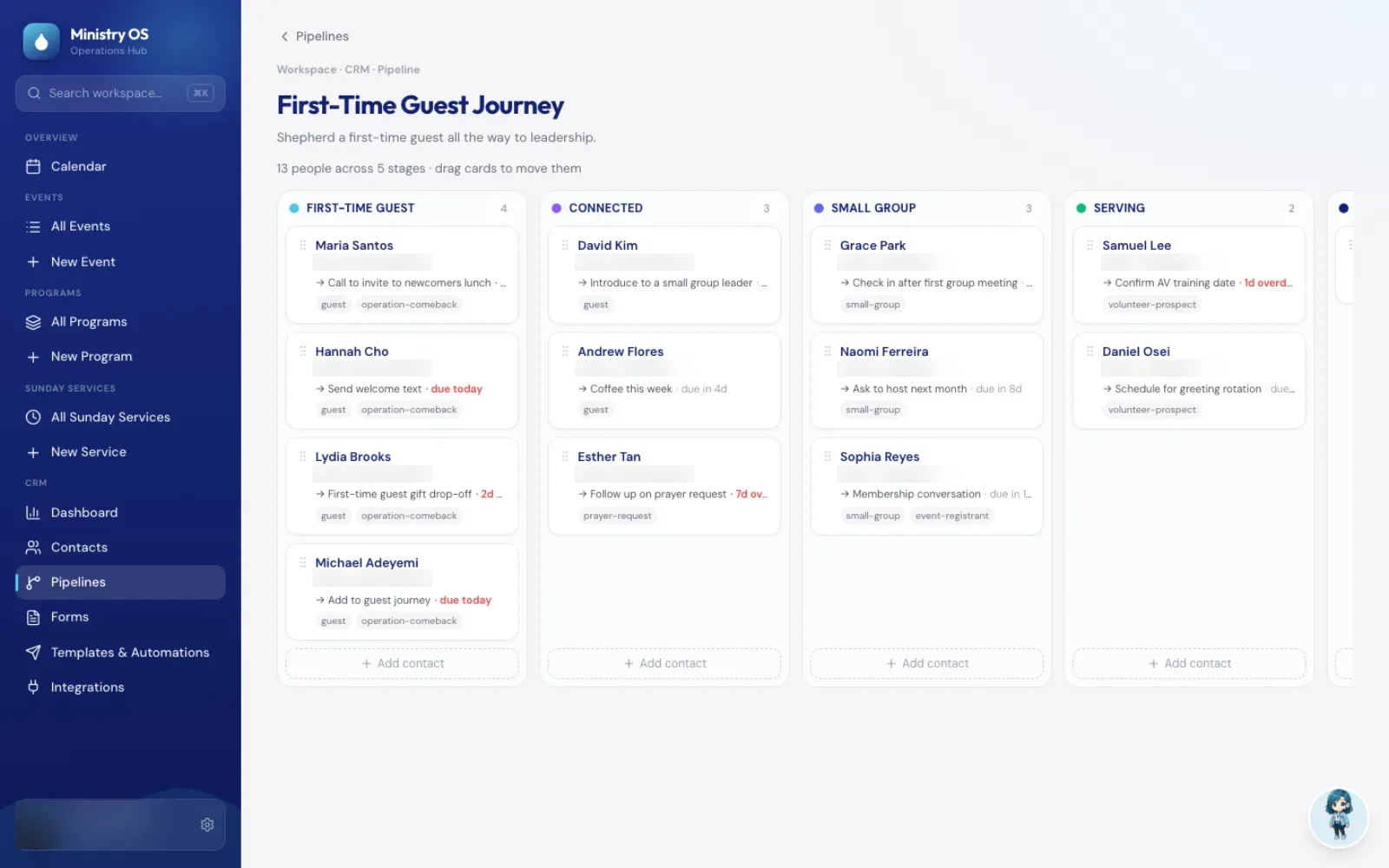
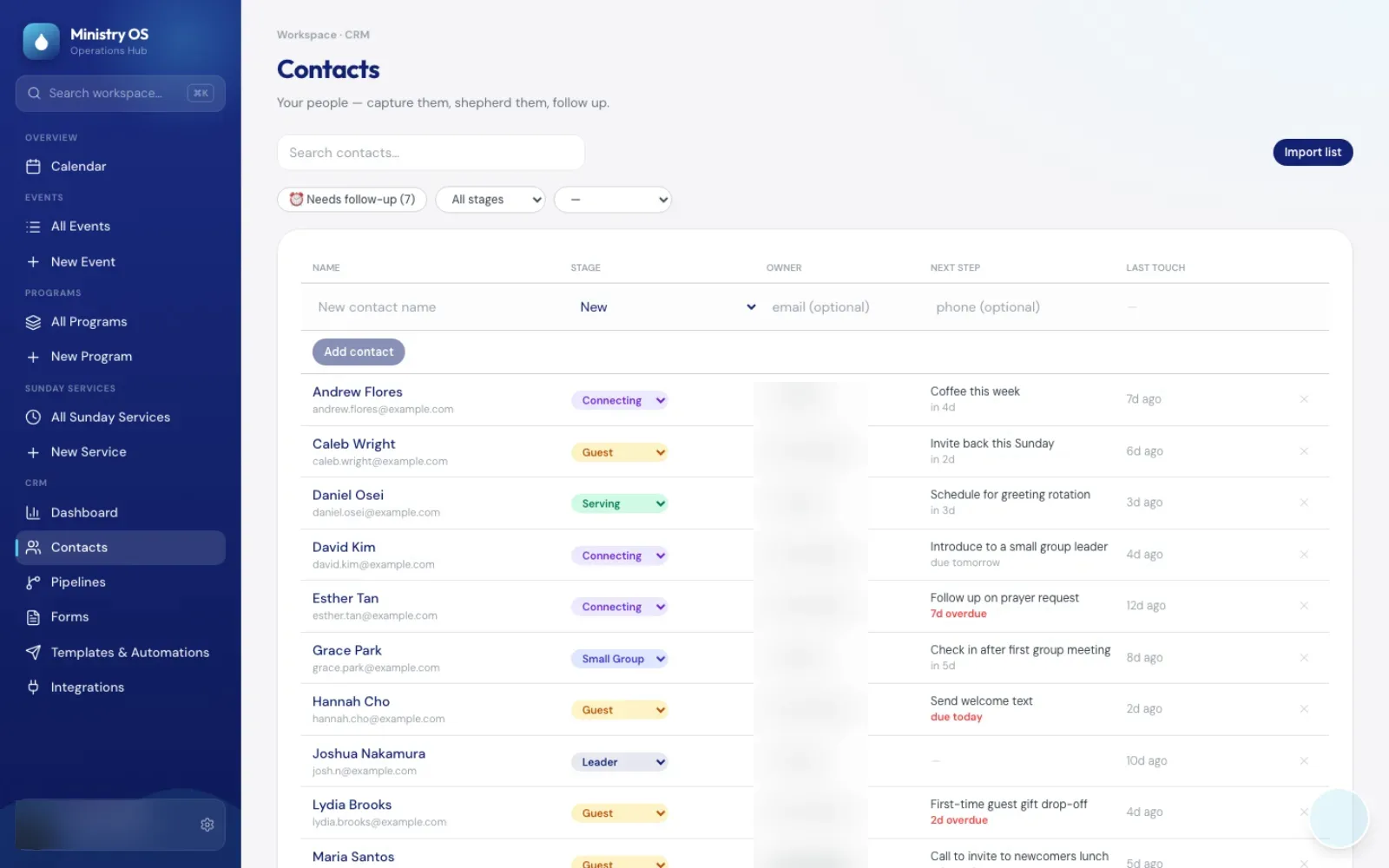
Guest follow-up, the beta feature, follows each person through a journey, such as a first-time guest who joins a small group and starts serving. It is not yet turned on at ministryos.cloud, and the screenshots on this page show it with sample data. The contact list is part of the live app.
What Ministry OS does
Event and program planning
Each event tracks its schedule, team, tasks, vendors and budget. Programs add a curriculum and resources.
Sunday service planning
A week-by-week calendar, an order of service that works out each item's start time from its length, the serving roles and each week's announcements.
Works with Google Slides and Calendar
Turn the week's announcements into Google Slides and copy the service schedule to Google Calendar.
Volunteers claim open MC and prayer slots
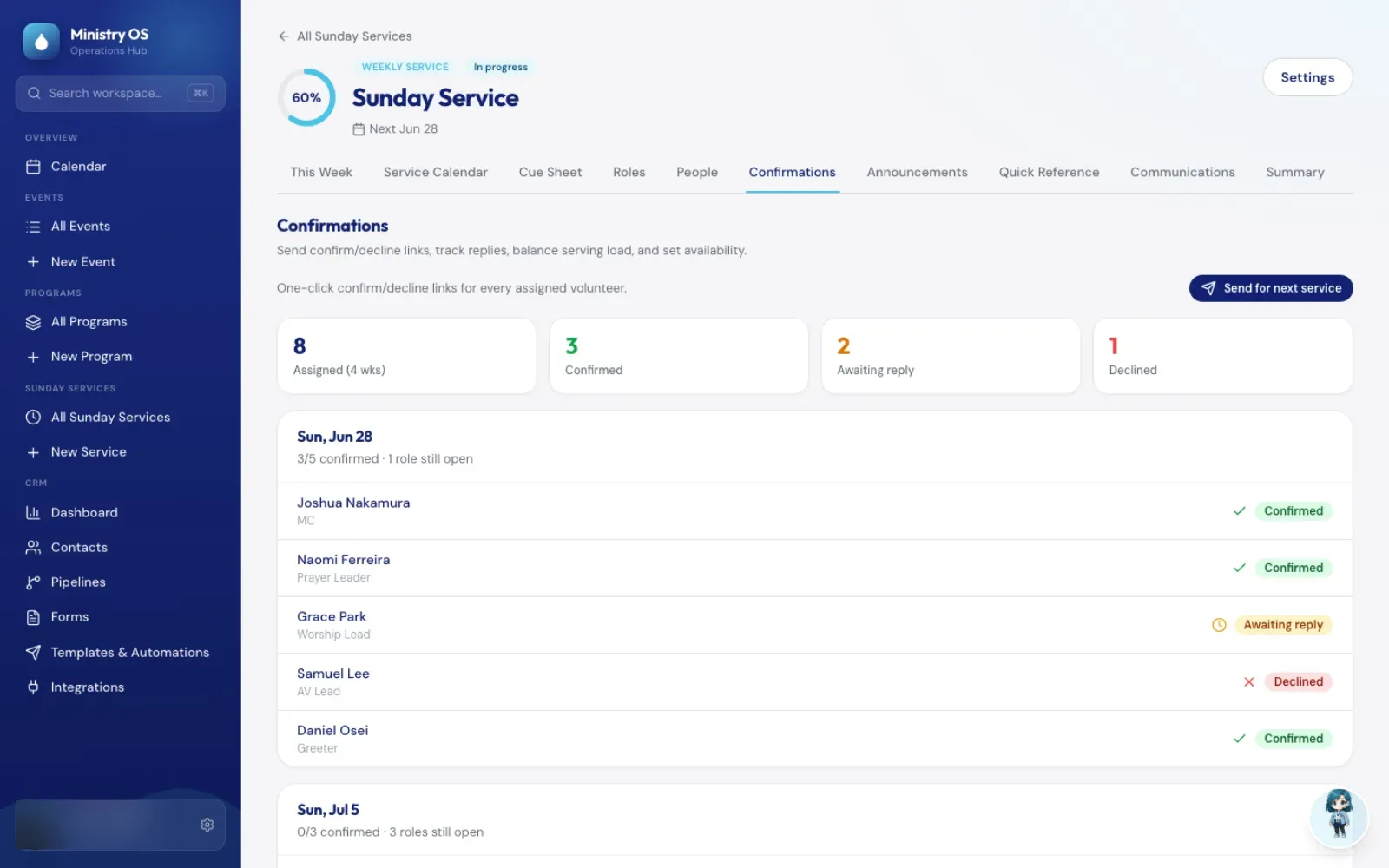
When an MC or prayer leader slot is still open in the coming weeks, the coordinator can email each eligible volunteer a personal link with one click. The first one to click takes the slot without creating an account, and the Sunday calendar and roles list update to match.
Preview the weekly service emails
The Friday team email, Sunday reminder and Wednesday reminder each open a preview, with the number of people who will get it, before you send.
AI coach for new plans
Describe an event, program or Sunday service, and the coach drafts a first plan. For events, it suggests ideas from your past events of the same type.
Guest follow-up and volunteer confirmations (beta)
Follow-up journeys such as a first-time guest journey, sign-up forms, message templates, a follow-up dashboard and confirm-or-decline links for assigned volunteers. Not yet turned on at ministryos.cloud.
Ministry OS screens
Questions about Ministry OS
Do volunteers need an account to sign up for a Sunday role?
No. For MC and prayer leader slots, the coordinator sends each eligible volunteer a personal link, and the first one to click takes the slot without logging in. Each link works once. The coordinator assigns the other roles.
Will Ministry OS send emails to our people on its own?
Not by default. The scheduled emails, such as the Friday team email and the Wednesday reminder, start switched off. When you send the Friday, Sunday or Wednesday service email by hand, you see a preview first.
Technical details
- Next.js 15
- Prisma
- PostgreSQL
- OpenAI
- MCP + OAuth 2.1
Related work
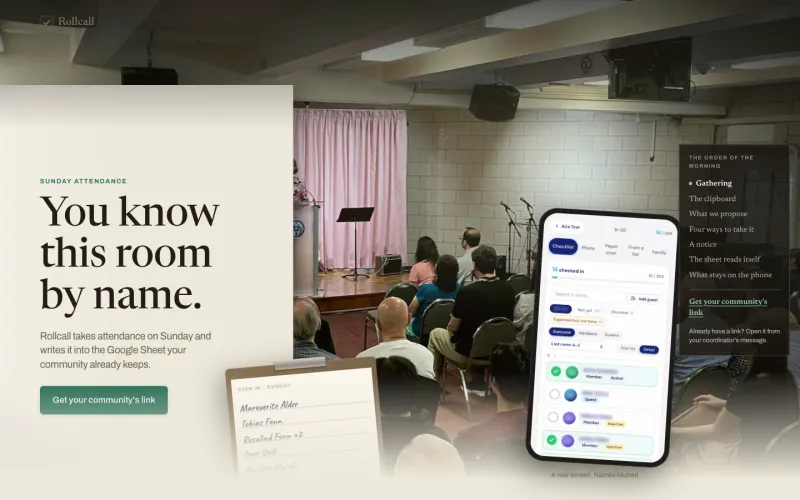
Rollcall
Take Sunday attendance on a phone, or photograph the paper sign-in sheet, and the names land in the Google Sheet your community already keeps.
See the screenshots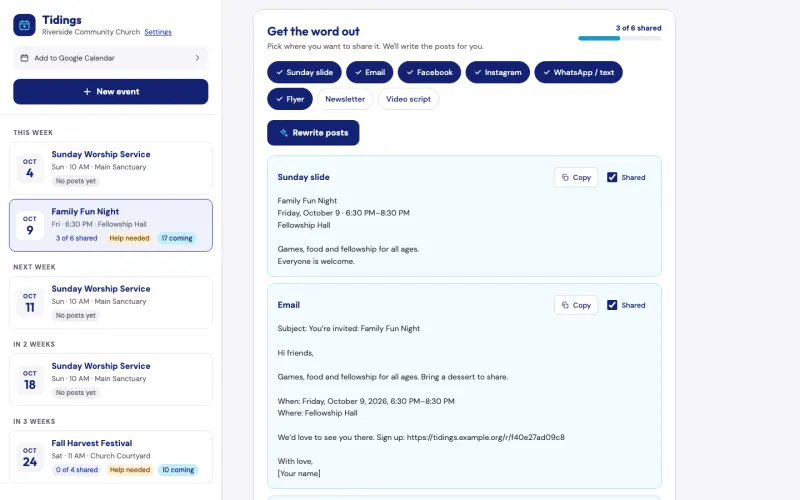
Tidings
Describe a church event once, and Tidings drafts a post for each channel, turns your note to your teams into an email and can add a sign-up page. It is free for pastors, and we can show it to you on the assessment call.
See the screenshots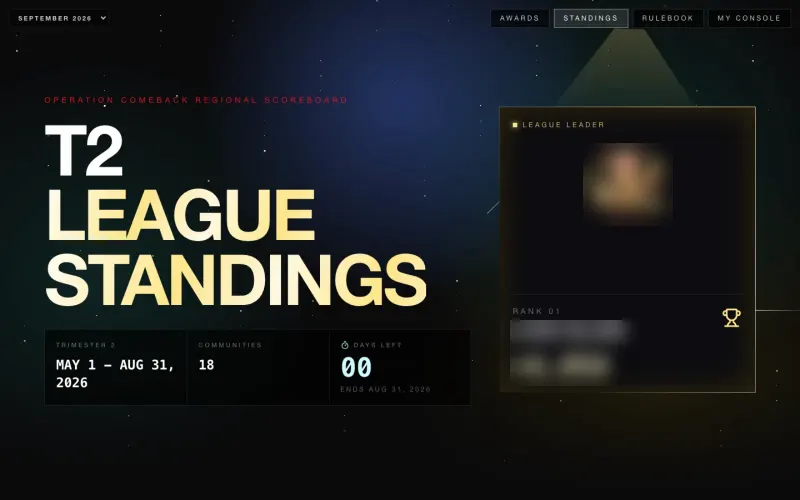
Operation COMEBACK Console
A scoreboard that ranks 18 Northeast church communities from the regional Google Sheet their leaders already update, with a console for each community's pastor.
See the screenshotsLet volunteers claim open MC and prayer slots from a link
Walk us through a typical planning week on the call, from the event spreadsheets to the Sunday schedule.
The assessment is free, with no commitment.
- Email purewaterva58@gmail.com
- Call +1 908 357 7801