Training portal for virtual assistants PWA Academy
The training portal we built for our virtual assistants, from their first ten hours of onboarding to Tier 4, our most senior level, with a quiz and a graded task in every module.
The assessment is free, with no commitment. You answer about 15 questions and pick a time, or call +1 908 357 7801.
About PWA Academy
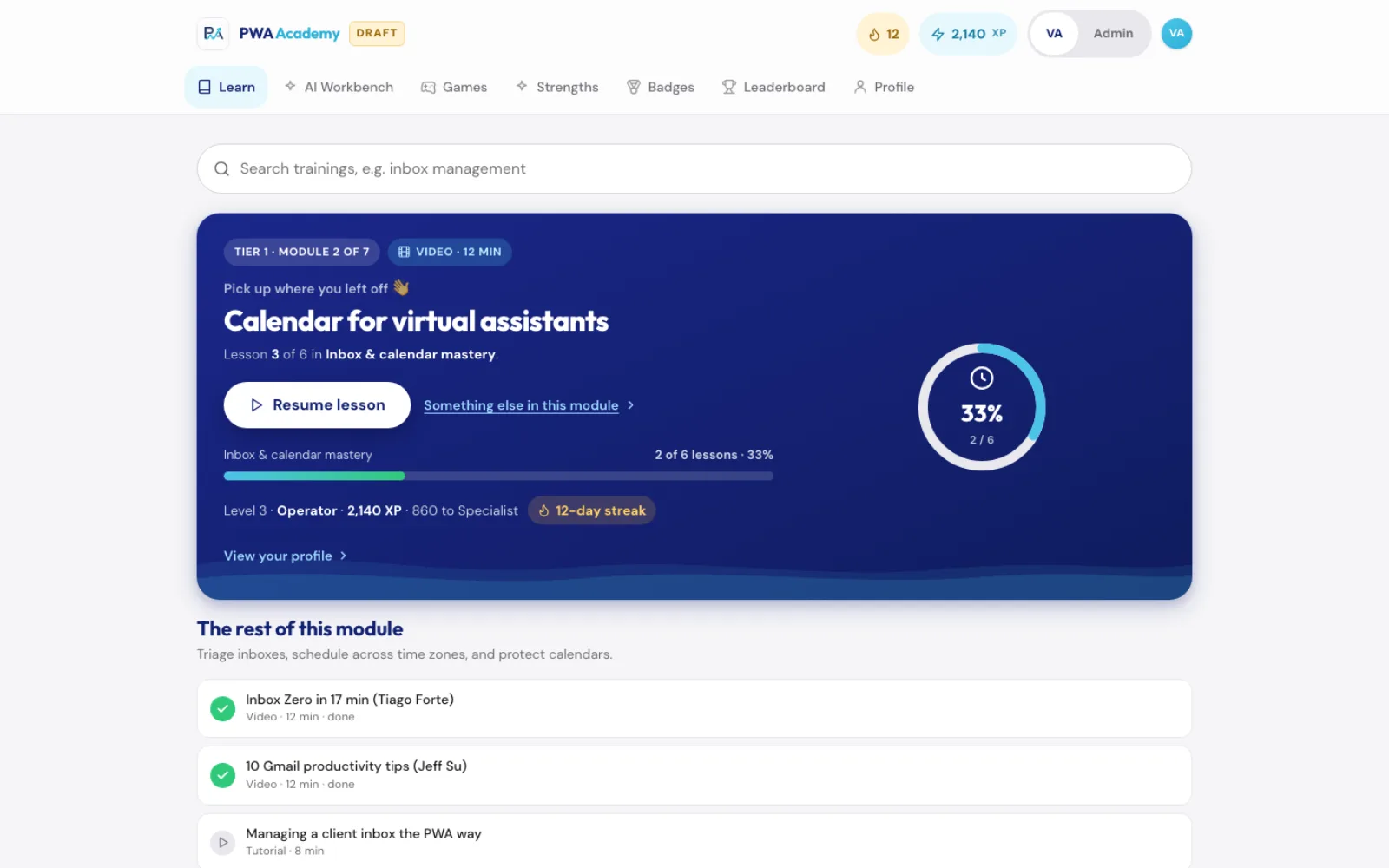
PWA Academy lays out a new virtual assistant's path from onboarding to Tier 4, the most senior level, in 43 modules across six stages, each ending with a quiz and a graded task. Pure Water Automations (PWA) built it for its own team. The team version adds points (XP), quiz games, a Strengths Finder and an AI Workbench, and anyone with a Google account can open the lessons-only version.
Why we built PWA Academy
Our training plan for new assistants was written up as one long planning page, with each tier, the videos to watch, the procedures to read and a graded task for each module. We built PWA Academy so an assistant could work through that plan one lesson at a time and see how far they had come.
How PWA Academy works
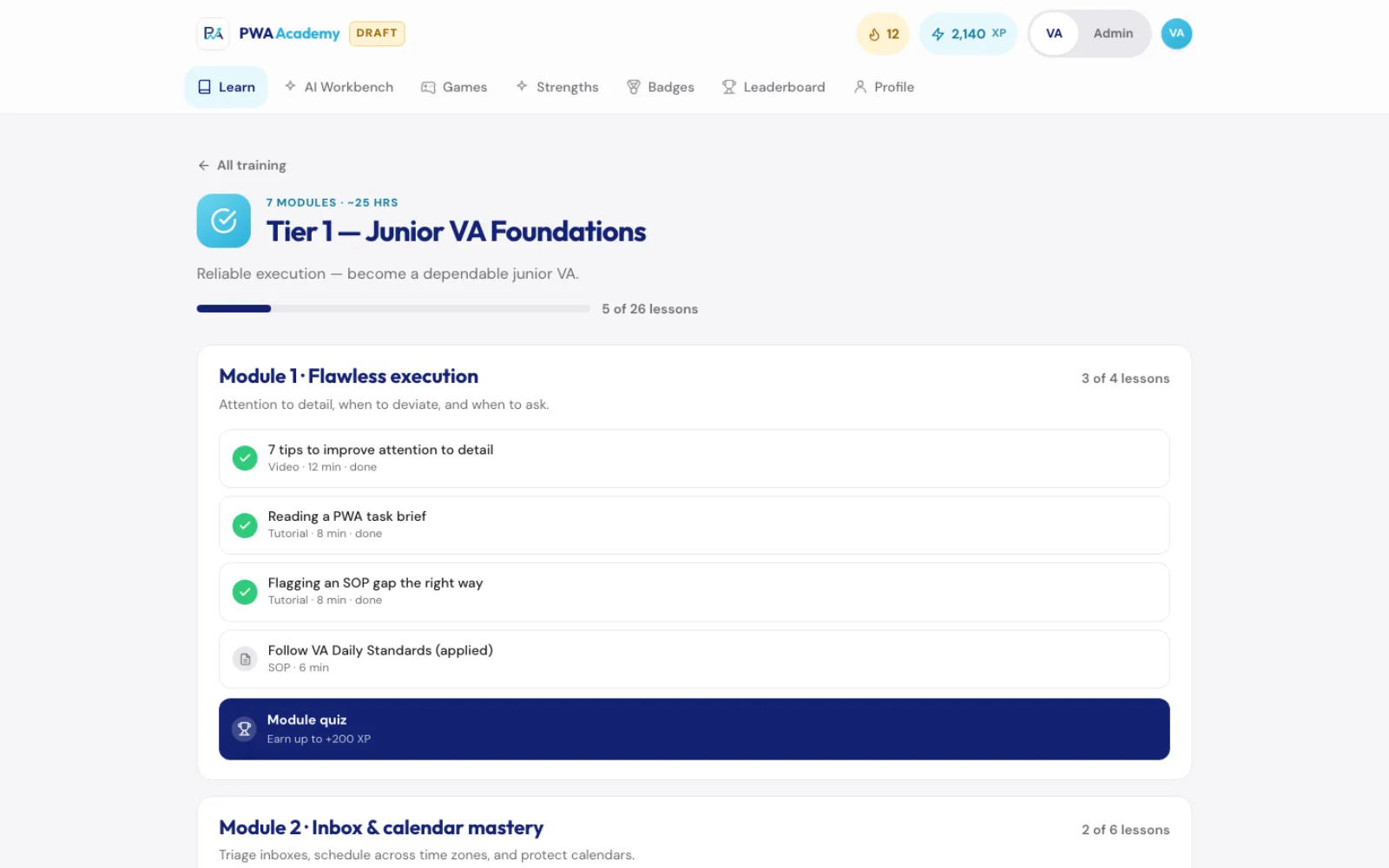
The path runs from a ten-hour onboarding through the trainee period and Tiers 1, 2 and 3 to Tier 4, which has two tracks. Lessons mix training videos, our own tutorials and our written procedures. A separate sales training track is open at every tier.
The lessons are still a first draft. Our own tutorial videos show as coming soon until they are recorded.
What PWA Academy does
43 modules in six stages
From onboarding through the trainee period to the top tier, with a quiz and a graded task at the end of each module.
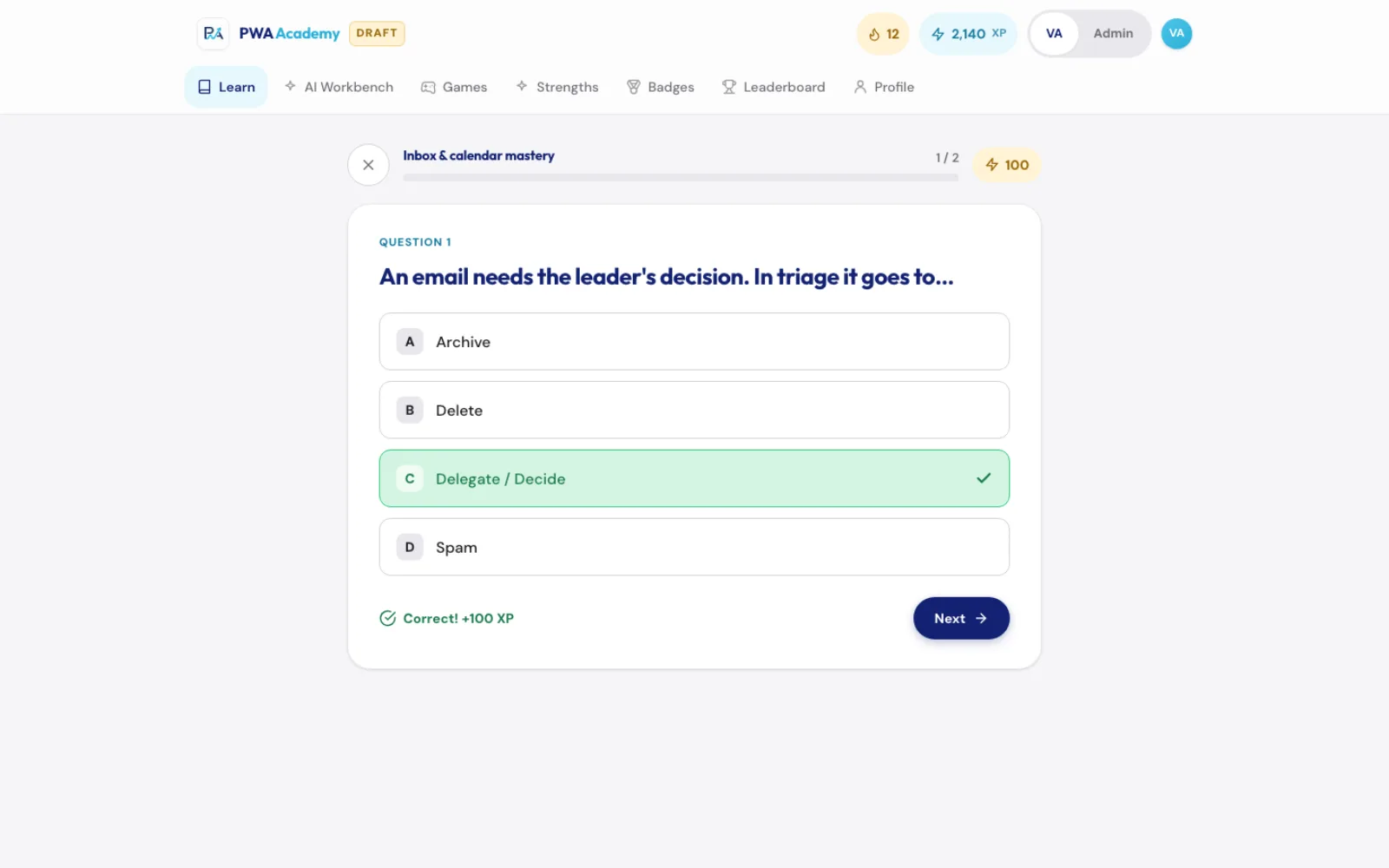
Quizzes that mark as you go
Each answer is marked right away, and correct answers earn XP.
Six quiz games
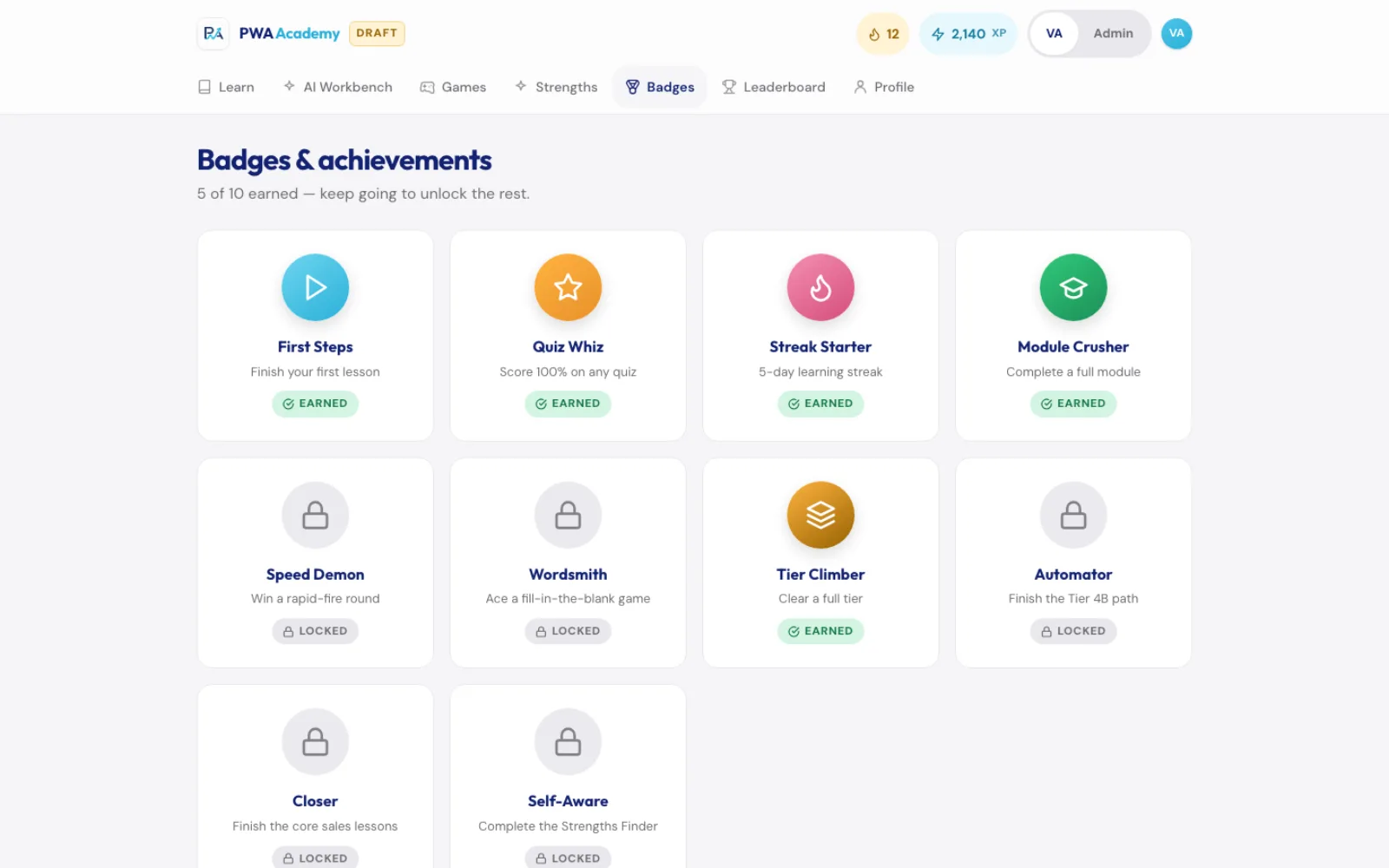
Rapid-Fire, Fill-the-Blank, Boss Mix, Sort It, Build Order and Odd One Out, plus levels, streaks and badges earned from each learner's own activity.
Strengths Finder
Sixteen questions across eight strengths. The assistant gets a profile to send to their team lead, with the kinds of work that suit them best.
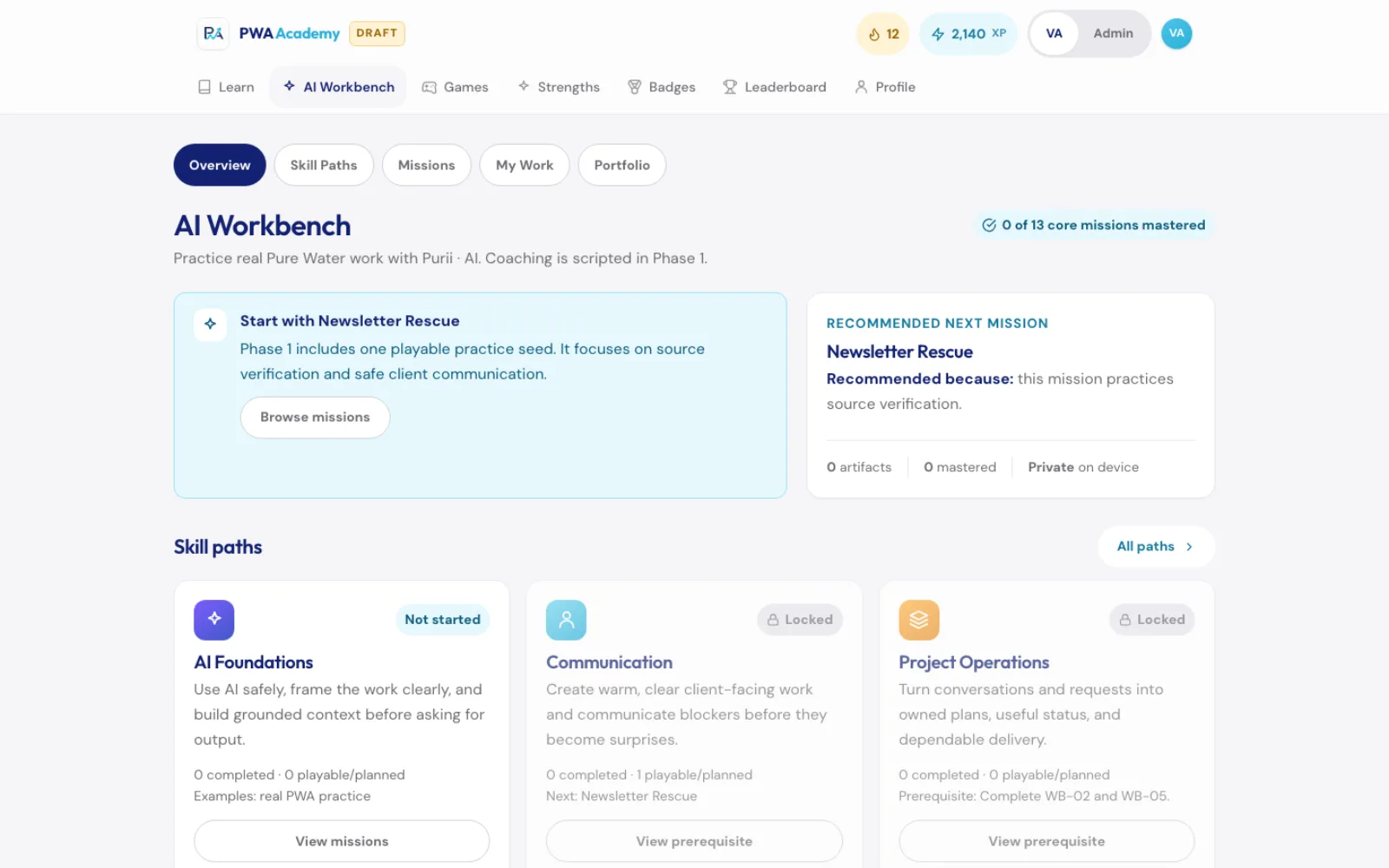
AI Workbench
Skill paths and practice missions for using AI safely at work.
Progress report for admins
Learners sign in with Google, and admins can list everyone by progress and download it as a spreadsheet.
PWA Academy screens
Questions about PWA Academy
Can anyone try PWA Academy?
Yes. A lessons-only version is open at academy.purewaterautomations.com to anyone who signs in with a Google account. It has the lessons and keeps track of your progress. The games, XP, badges, Strengths Finder and AI Workbench are in the version our team uses.
Technical details
- React (no build step)
- Node.js server
- Google sign-in
- SQLite progress
- localStorage
Related work
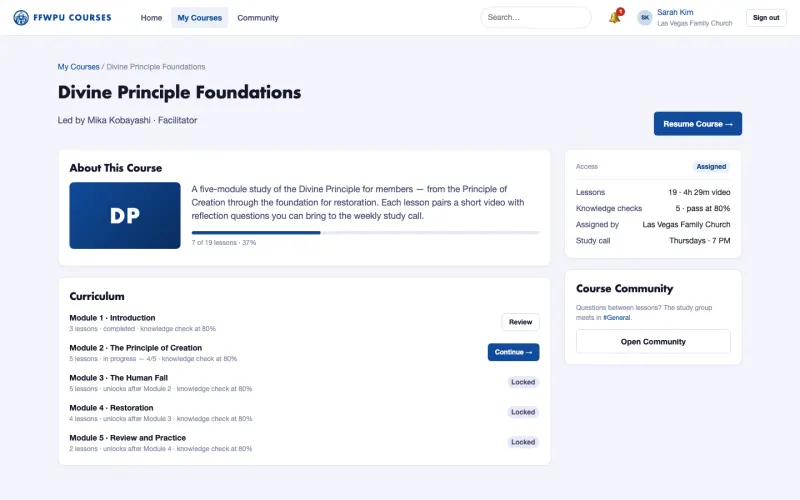
FFWPU Courses
Courses, knowledge checks, certificates and member discussion on one members-only site, which we are building for Family Fed USA.
See the screenshots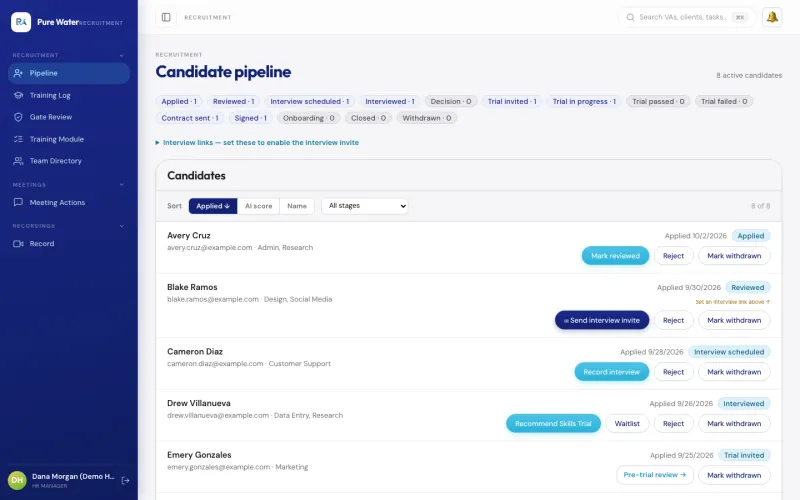
VA Management Console
The app our own virtual assistant team uses for hiring a new assistant, assigning tasks, tracking hours and running payroll.
See the screenshots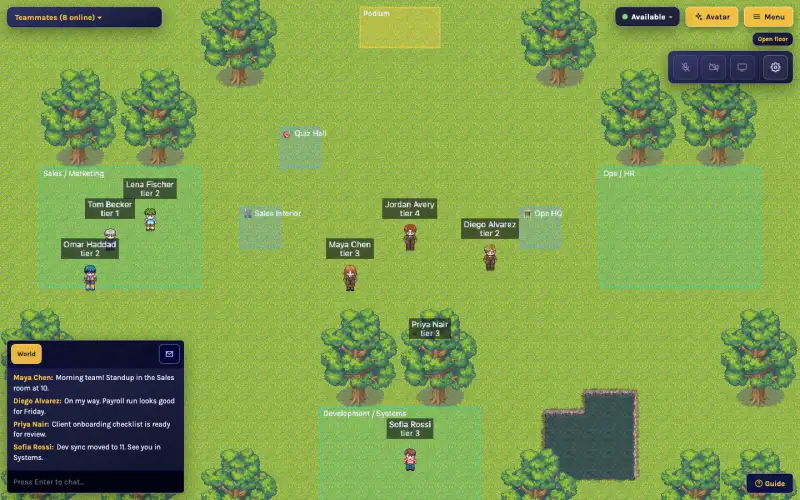
VA World
An online office we built for our remote assistants, where walking up to a teammate starts a video chat.
See the screenshotsGive new staff lessons with a quiz and a graded task
Tell us how a new staff member or volunteer learns the job, and where the training material lives.
The assessment is free, with no commitment.
- Email purewaterva58@gmail.com
- Call +1 908 357 7801