Shared whiteboard for mapping workflows PWA Whiteboard
Map how your church gets the word out, live with your pastor on a shared board, then turn the map into a first draft of the written steps.
The assessment is free, with no commitment. You answer about 15 questions and pick a time, or call +1 908 357 7801.
About PWA Whiteboard
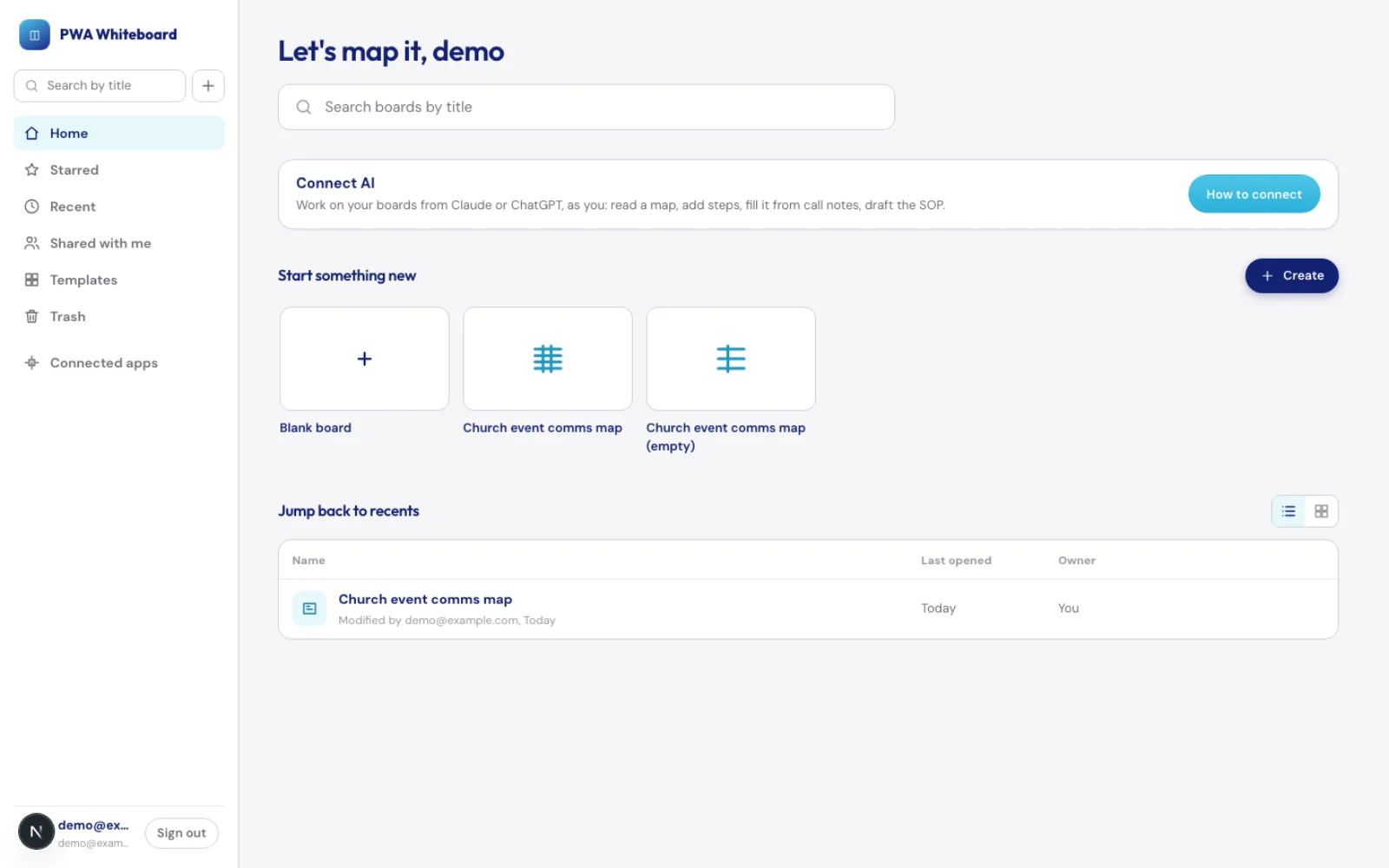
PWA Whiteboard is a shared online whiteboard that Pure Water Automations built for mapping how a church handles its work. It starts with a church event communications map, five lanes of people and tools across five phases, that an assistant can fill in live while a pastor watches. Invited people see only the boards shared with them, and Claude or ChatGPT can work on a board once you sign in and approve it.
Why we built PWA Whiteboard
Our virtual assistants sit down with a pastor to learn who does what before an event, who writes the posts, who checks them, where the flyer comes from. That conversation used to land in scattered notes. We wanted one board where the map gets drawn while we talk, and a way to turn it into a written procedure afterward.
How PWA Whiteboard works
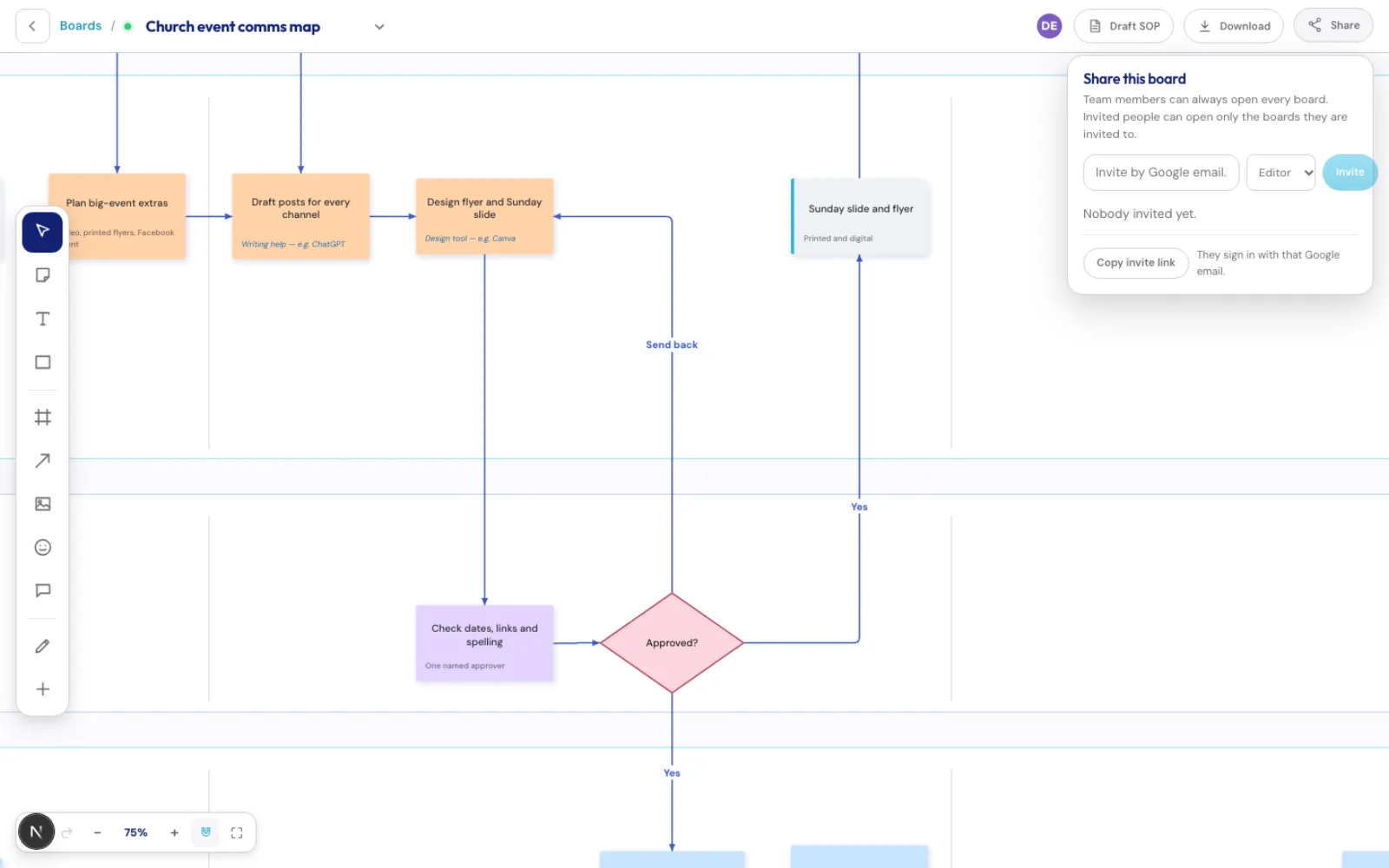
You sign in with Google. Our team sees every board. Anyone else, such as a pastor, sees only the boards they are invited to, as an editor who can change the board or a viewer who can only look. Invitations go out by email, and there is a copy-link option if the email does not arrive.
Boards save as you work, and several people can be on the same board at once, with each person's cursor visible. Arrows stay attached to the notes they connect, so moving a step carries its arrows along.
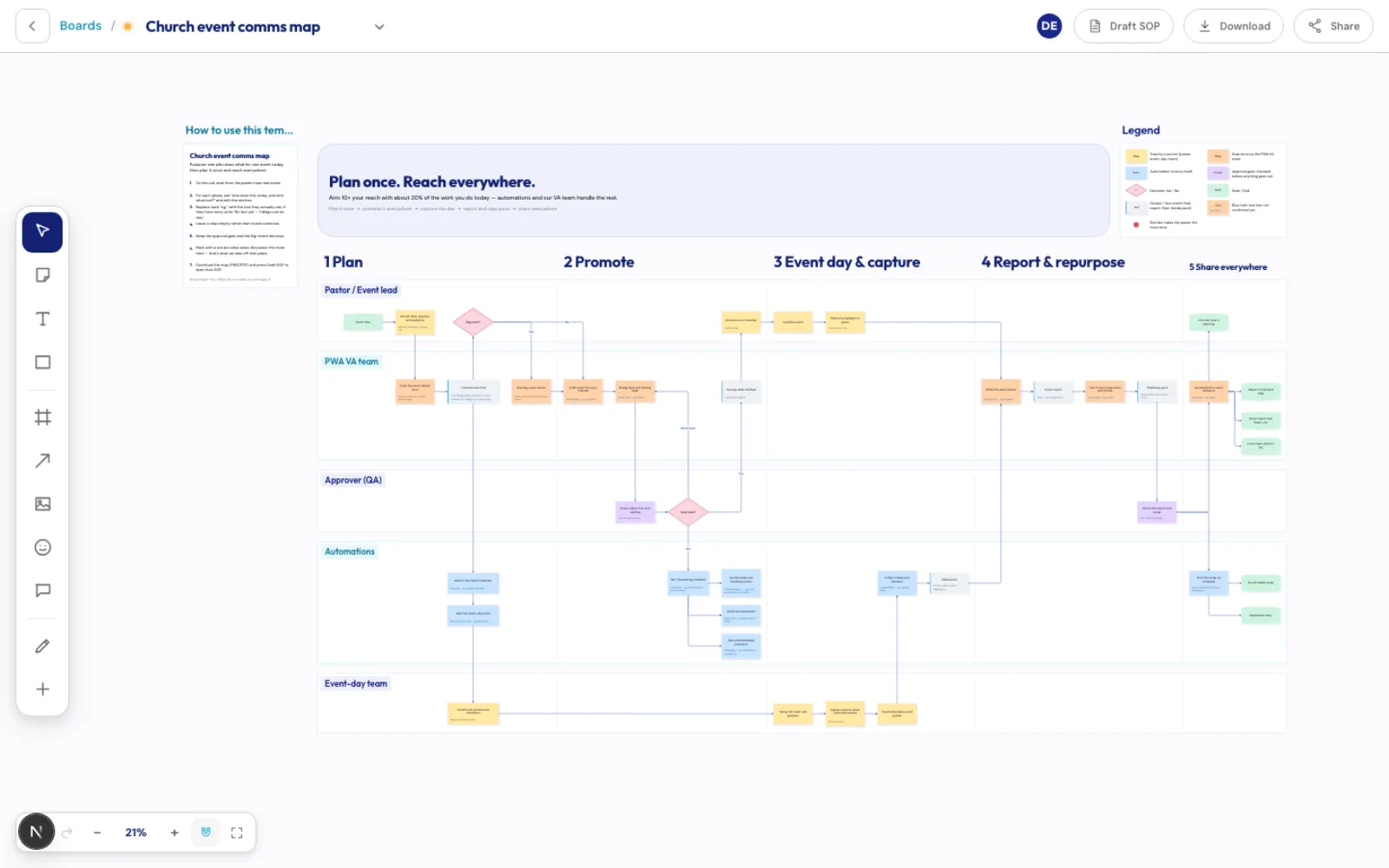
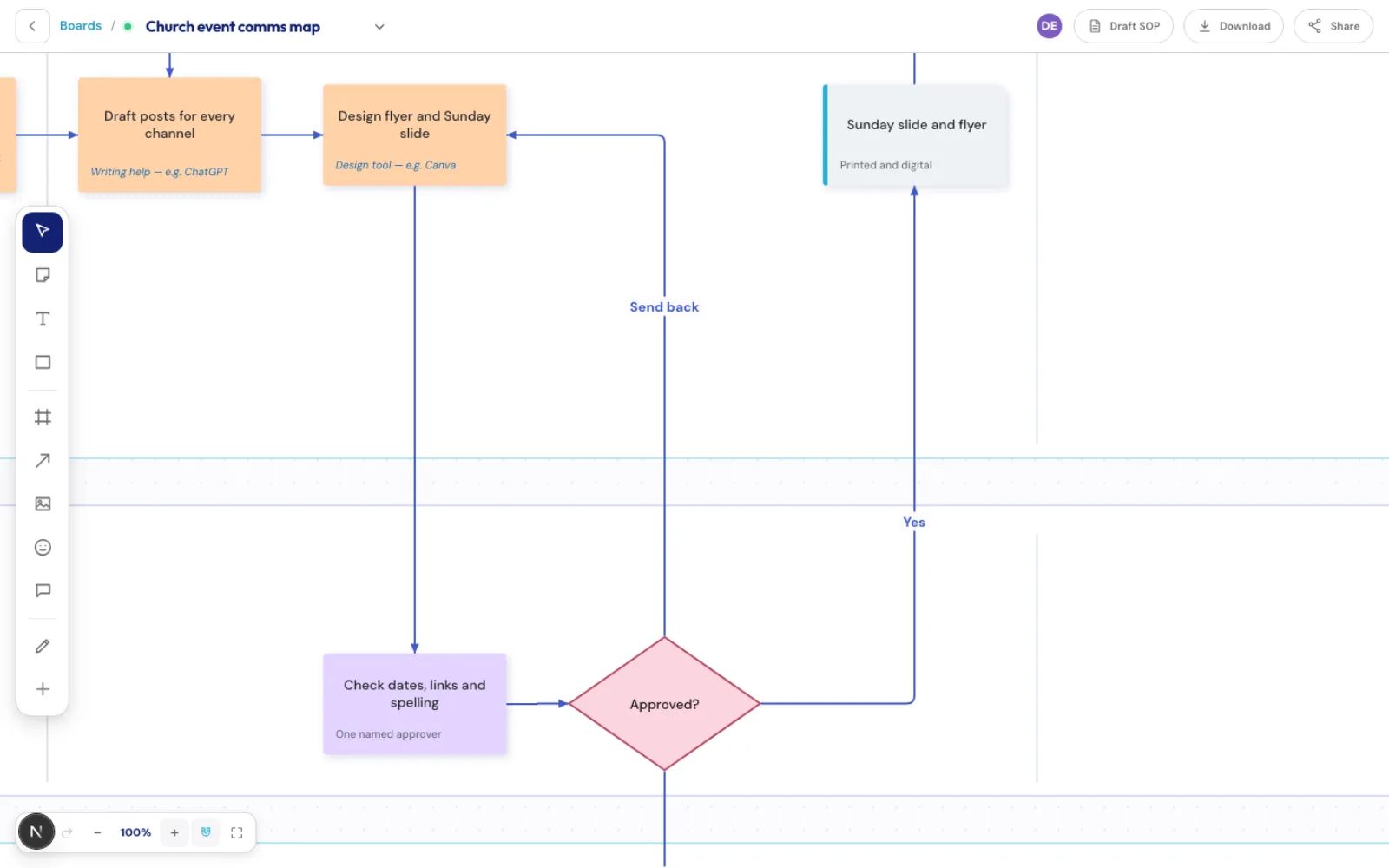
The church event communications map is a template for the New board button. It lays out lanes for the pastor or event lead, our assistant team, an approver, automations and the event-day team. A pink diamond marks each decision, such as Approved, with Yes and No arrows leaving it. Each step names the tool someone uses today, and the template's wording is kept general so it fits any church.
Once the map is filled in, the Draft SOP button turns it into a first draft of the church's step-by-step procedure that you can copy into a Google Doc or download. Anything the map does not say yet is left as an open item for you to fill in.
What PWA Whiteboard does
Church event communications map
Start a new board from a ready-made map with five lanes and five phases, from planning to sharing what happened. Each step is a note with the tool used today, and decisions get their own shape.
Arrows that stay attached
Draw an arrow from one note to another, label it Yes or No, and it follows the notes when they move.
Invite one person to one board
Invite someone by Google email as an editor or a viewer. They can open only the boards shared with them.
Draft the written procedure
The Draft SOP button turns the map into a first draft of the church's procedure, to copy into a Google Doc or download.
Work on a board with an AI assistant
After you sign in and approve it, Claude or ChatGPT can read your boards, add steps, fill the church map from call notes and draft the procedure. It can open only what you can open.
Show a board on another page
A view-only link lets a board appear inside another page. Anyone with the link can look, and you can turn the link off at any time.
PWA Whiteboard screens
Questions about PWA Whiteboard
Who can see my board?
Our team can see every board. Anyone else sees only the boards they were invited to, and someone with no invitation cannot sign in. Boards you cannot see do not show up for you at all.
Does a pastor need an account?
A pastor needs a Google account. We invite that Google email to the board, and the pastor signs in with it. There is nothing else to set up.
Can an AI assistant change my board?
Only after you sign in with Google and press Allow in your AI app. It then has the same access you have, no more. You can disconnect an app from the Connected apps page and its access stops on its next request.
Can we use the map for our own church?
Yes. The map is a template, and its wording is general. Ask us and we can fill it in with you.
Technical details
- Next.js 15
- React 19
- Prisma
- PostgreSQL
- Google sign-in
- MCP (OAuth)
Related work
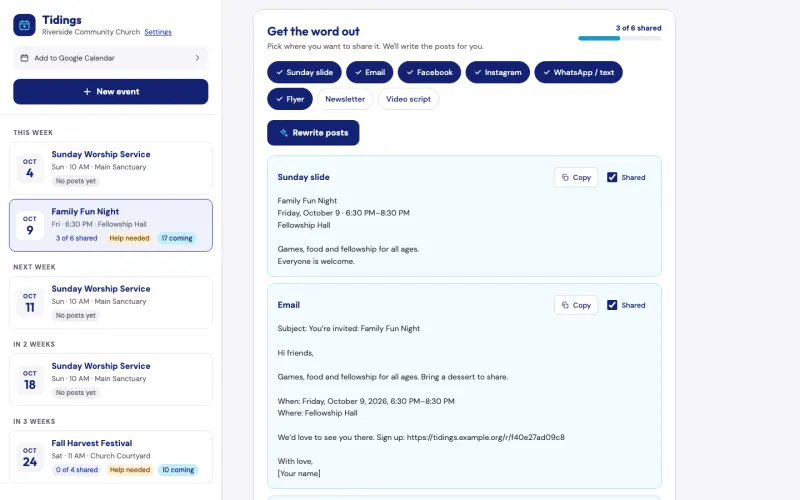
Tidings
Describe a church event once, and Tidings drafts a post for each channel, turns your note to your teams into an email and can add a sign-up page. It is free for pastors, and we can show it to you on the assessment call.
See the screenshots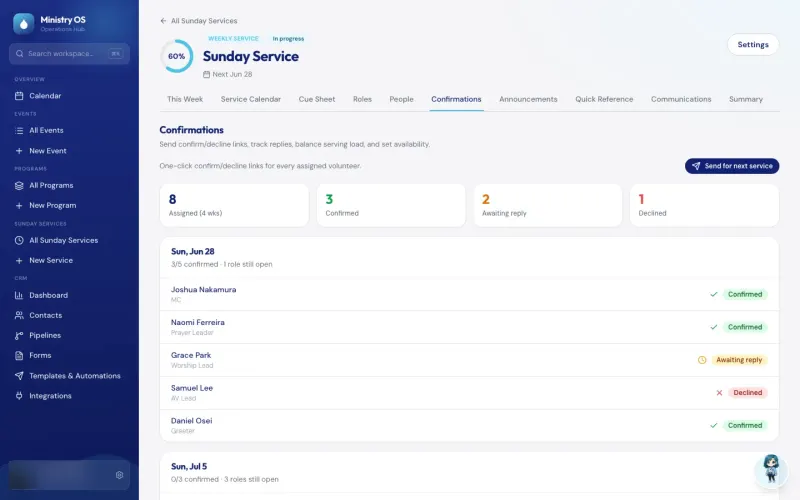
Ministry OS
Plan events, programs and Sunday services in one app instead of separate spreadsheets, with an AI coach for new plans and a link that lets volunteers claim an open MC or prayer leader slot.
See the screenshotsAutomation Engine
Runs routine jobs on a schedule or when another app asks, and its email, WhatsApp and Telegram steps can wait until someone approves the message.
See how it worksMap your church's event communications with us
Tell us who gets the word out before your next event, and we will draw the map with you.
The assessment is free, with no commitment.
- Email purewaterva58@gmail.com
- Call +1 908 357 7801