Focus timer with music and a to-do list Pure Focus
A calm focus timer that keeps one task in front of you, plays background music and, on the Mac, marks the task done in your to-do sheet.
The assessment is free, with no commitment. You answer about 15 questions and pick a time, or call +1 908 357 7801.
About Pure Focus
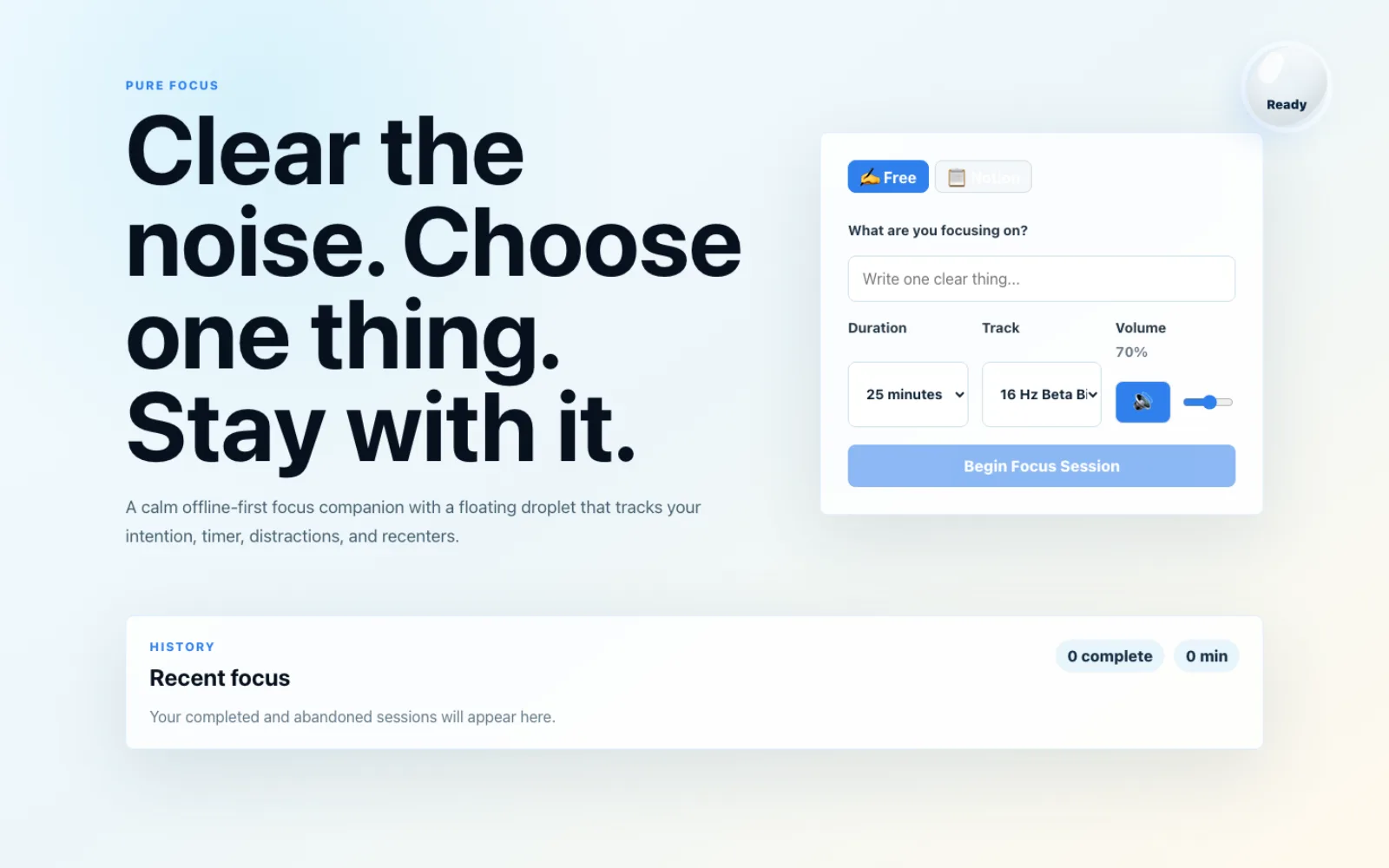
Pure Focus is a focus timer Pure Water Automations built for its own team's deep work. You choose one thing, pick a length and a music track, and a floating droplet counts down while you work. A Mac menu bar version shows the countdown over every app and can mark the task done in our to-do Google Sheet when the session ends.
Why we built Pure Focus
Our team's work lives in Notion and in a to-do Google Sheet, and it is easy to start a work block without deciding what the block is for. We wanted a timer that asks for one clear task first, plays music without leaving the page, and writes the result back to the place the task came from.
How Pure Focus works
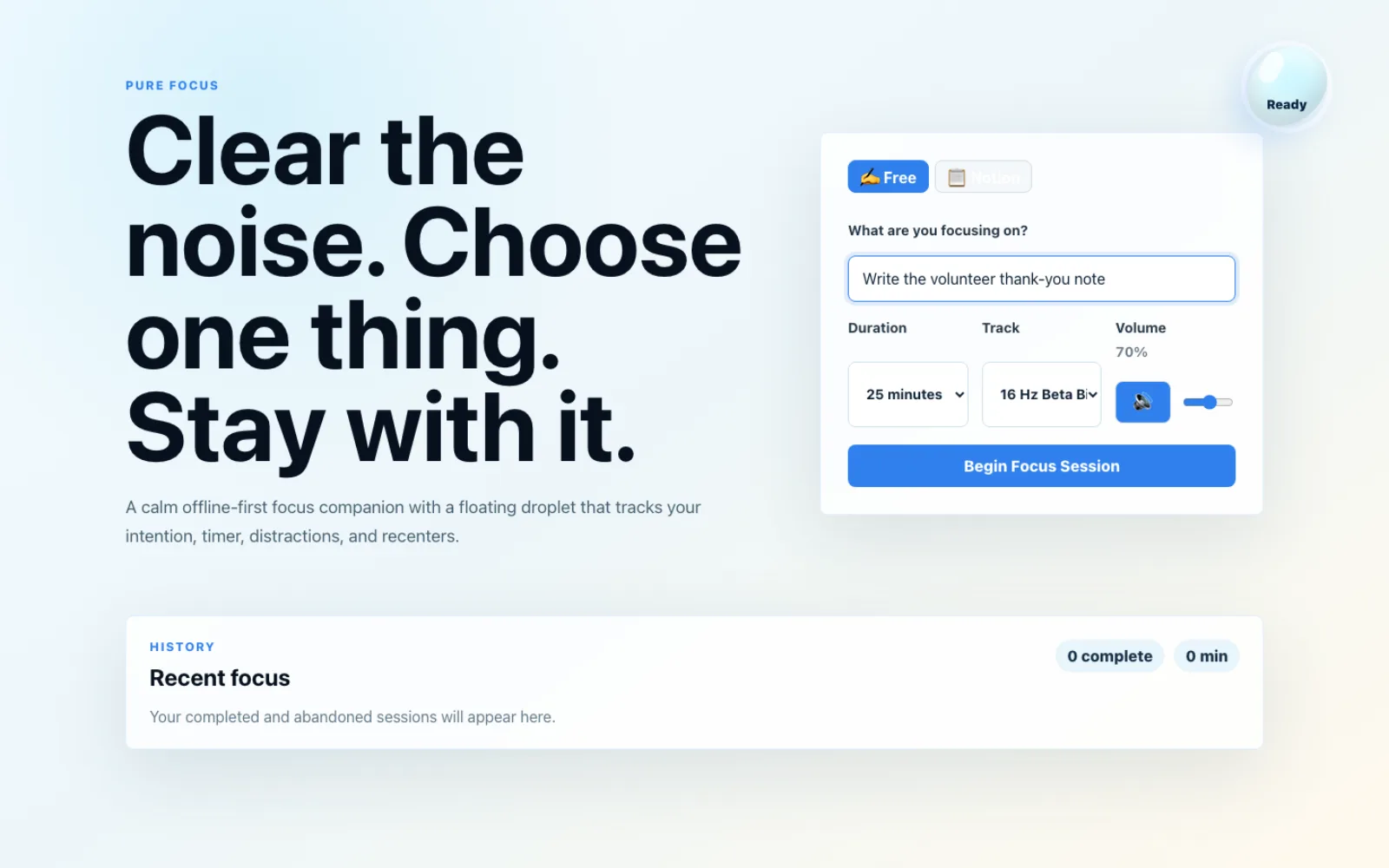
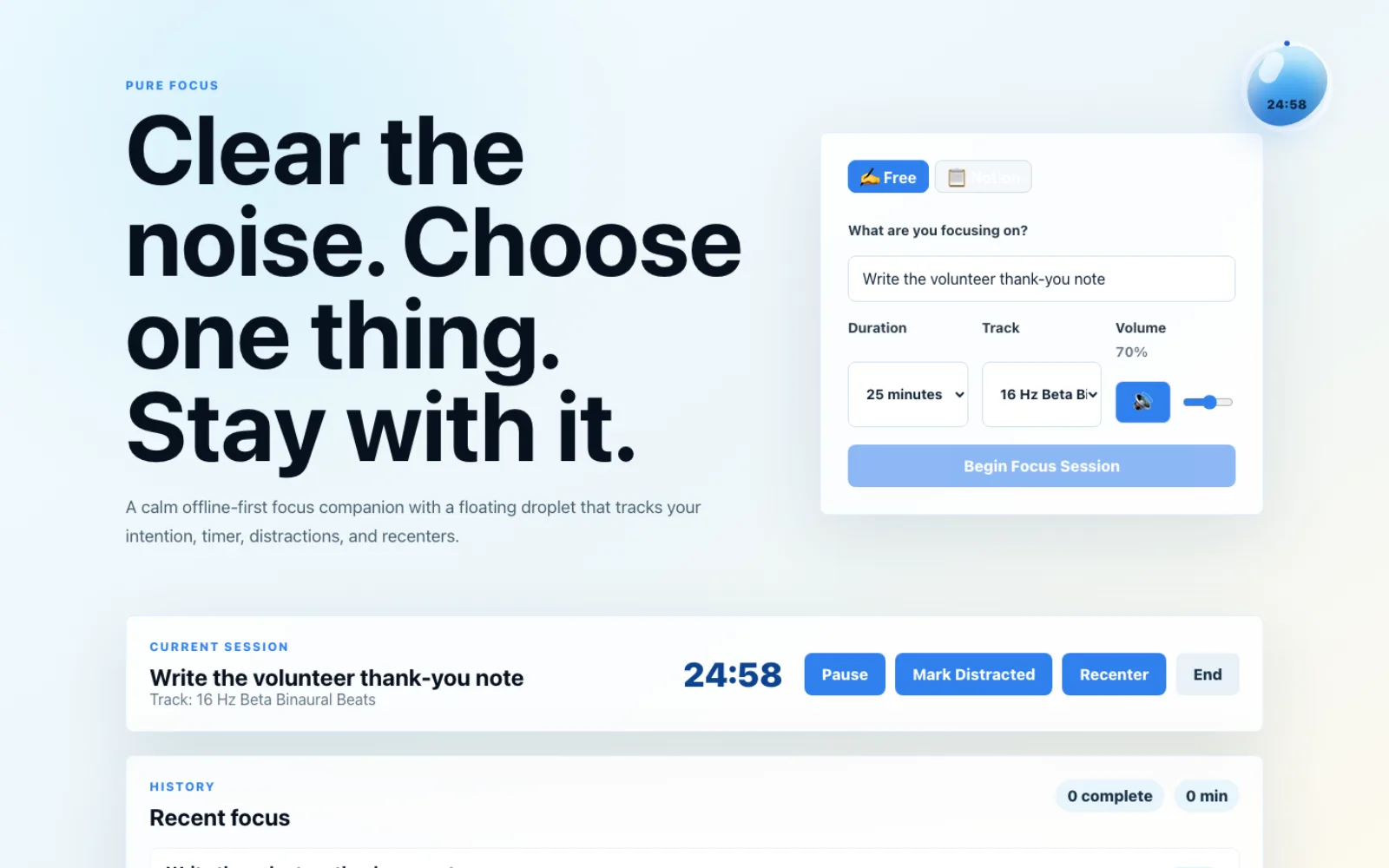
The web version is an installable app that works offline. You write one clear thing or pick an open task from Notion, choose 15 to 90 minutes and pick a music track. A droplet in the corner shows the time left. During a session you can pause, mark yourself distracted, recenter or end it. Past ten minutes in, the droplet shows deep focus. When the session ends, you write a short reflection, and a history lists recent sessions.
The Mac version lives in the menu bar, so the countdown sits above every app. You pick a task from the to-do Google Sheet, choose minutes and music, and start. Mark done sets that task's status to Done on its own tab, but only after it re-reads the row and confirms the task still matches. The next task then comes up, and Skip moves on without marking anything.
Pure Focus is built for our own use and runs on our development server behind a sign-in, so it has no public address.
What Pure Focus does
One clear task before you start
Write a single thing to focus on, or pick an open task from Notion in the web version or from the to-do sheet on the Mac.
Floating droplet and a timer
Choose 15, 25, 45, 60 or 90 minutes. The droplet counts down, shows when you have reached deep focus, and clouds over if you mark a distraction.
Background music in six groups
Pick a track from binaural, ambient, piano, lofi and jazz, upbeat or coding music, with volume and mute.
Pause, distraction and recenter buttons
Pause the session, mark a distraction or recenter yourself, then see the counts when the session ends.
Mark a task done from the Mac menu bar
Mark done writes Done on the task's own tab of the to-do sheet. It first checks the row is still the same task and refuses if it is not.
Send a task to an AI assistant
On the Mac, tasks an AI can take show a Send to AI button that queues the task in the sheet's AI Runs tab, where our Mac worker picks it up.
Questions about Pure Focus
Can I try Pure Focus?
Not yet. It is built for our own team and has no public address, so it is not open to visitors.
Does Pure Focus change my to-do sheet without asking?
Only when you press Mark done or Send to AI. Mark done re-reads the task's row first and refuses to write if the row number is missing or duplicated or the task text changed.
Does it work without an internet connection?
The web version is built to work offline once installed. Picking a task from Notion or the sheet needs a connection.
Technical details
- React
- TypeScript
- Vite
- Zustand
- Swift
- Notion API
- Google Sheets API
Related work
VA World
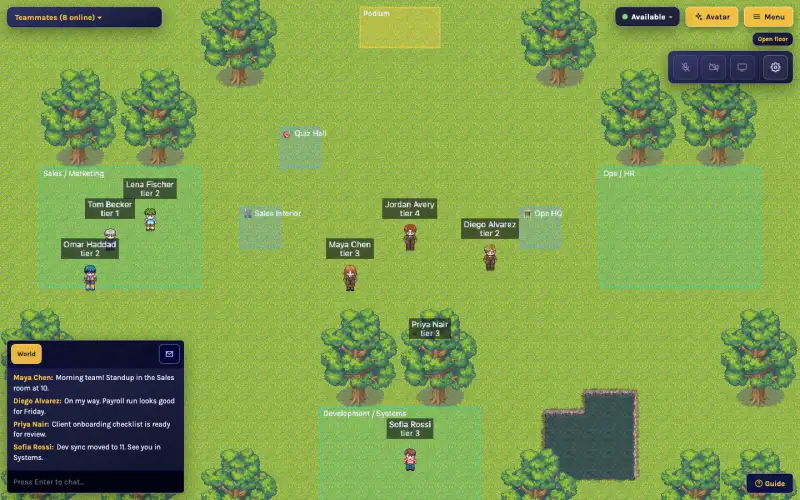
An online office we built for our remote assistants, where walking up to a teammate starts a video chat.
See the screenshots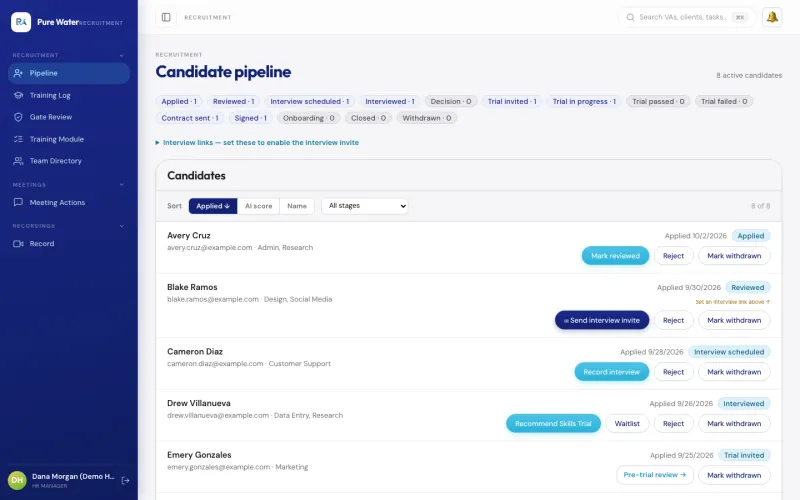
VA Management Console
The app our own virtual assistant team uses for hiring a new assistant, assigning tasks, tracking hours and running payroll.
See the screenshotsAutomation Engine
Runs routine jobs on a schedule or when another app asks, and its email, WhatsApp and Telegram steps can wait until someone approves the message.
See how it worksKeep one task in front of your team
Tell us how your team decides what to work on next, and we will show you what a timer tied to that list could look like.
The assessment is free, with no commitment.
- Email purewaterva58@gmail.com
- Call +1 908 357 7801