Suggestion form for a ministry summit Summit Form
People suggest teachers, fireside speakers and mentors for a ministry summit in one sitting, with no login, and every name lands in a Google Sheet.
The assessment is free, with no commitment. You answer about 15 questions and pick a time, or call +1 908 357 7801.
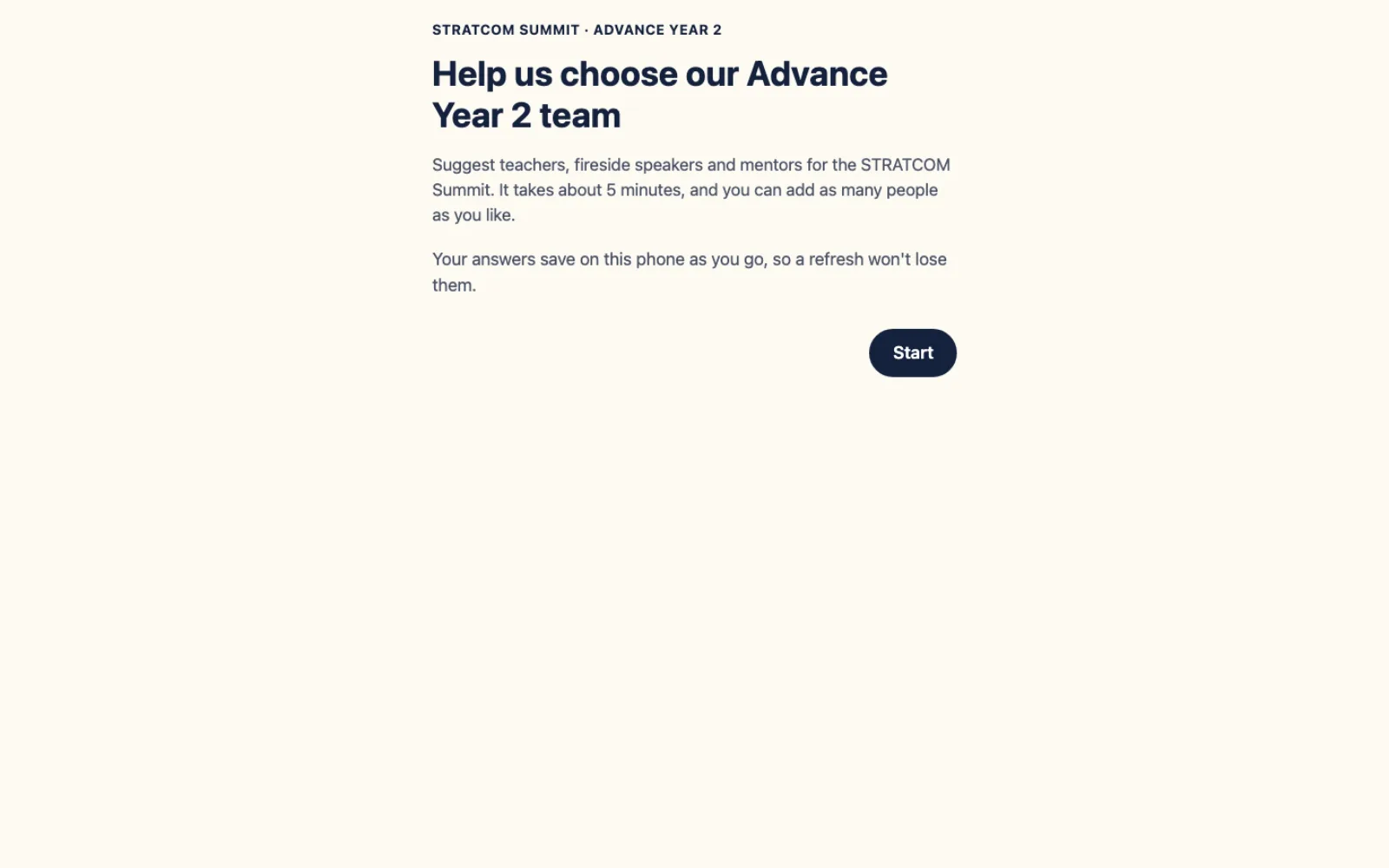
About Summit Form
Summit Form is a public form Pure Water Automations built for the STRATCOM Summit. Anyone with the link opens it on a phone, types several names under each teaching module with a plus button, and sends once. No account is needed. Each person suggested becomes one row in the organizers' Google Sheet, and organizers see every answer in a simple admin page.
Why we built Summit Form
The summit organizers were collecting suggestions with a Google Form, which meant filling in the form again for every person someone wanted to suggest. They wanted pastors and leaders to name several teachers, speakers and mentors in a single sitting, still from a phone and still ending up in the Google Sheet the planning team already uses.
How Summit Form works
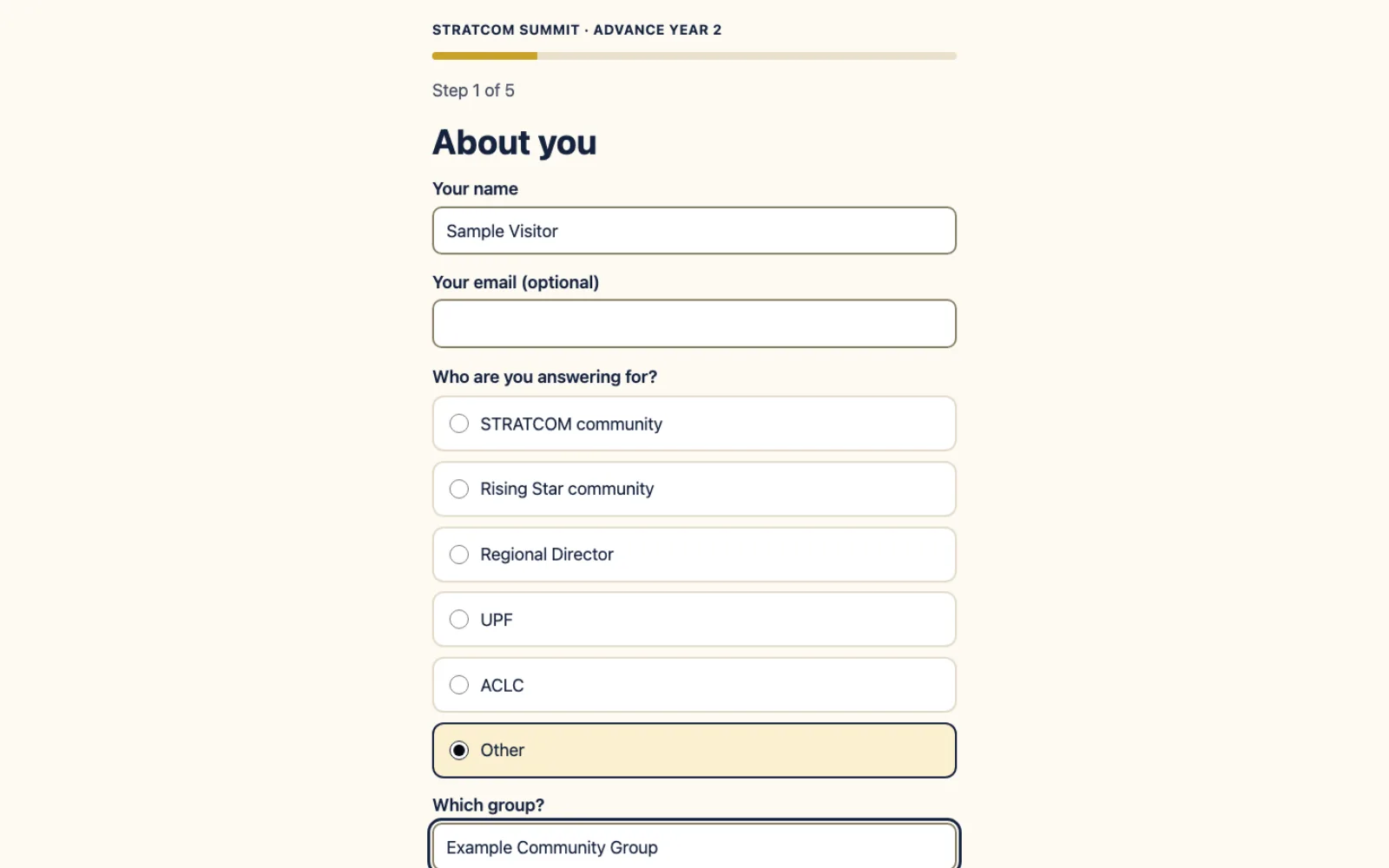
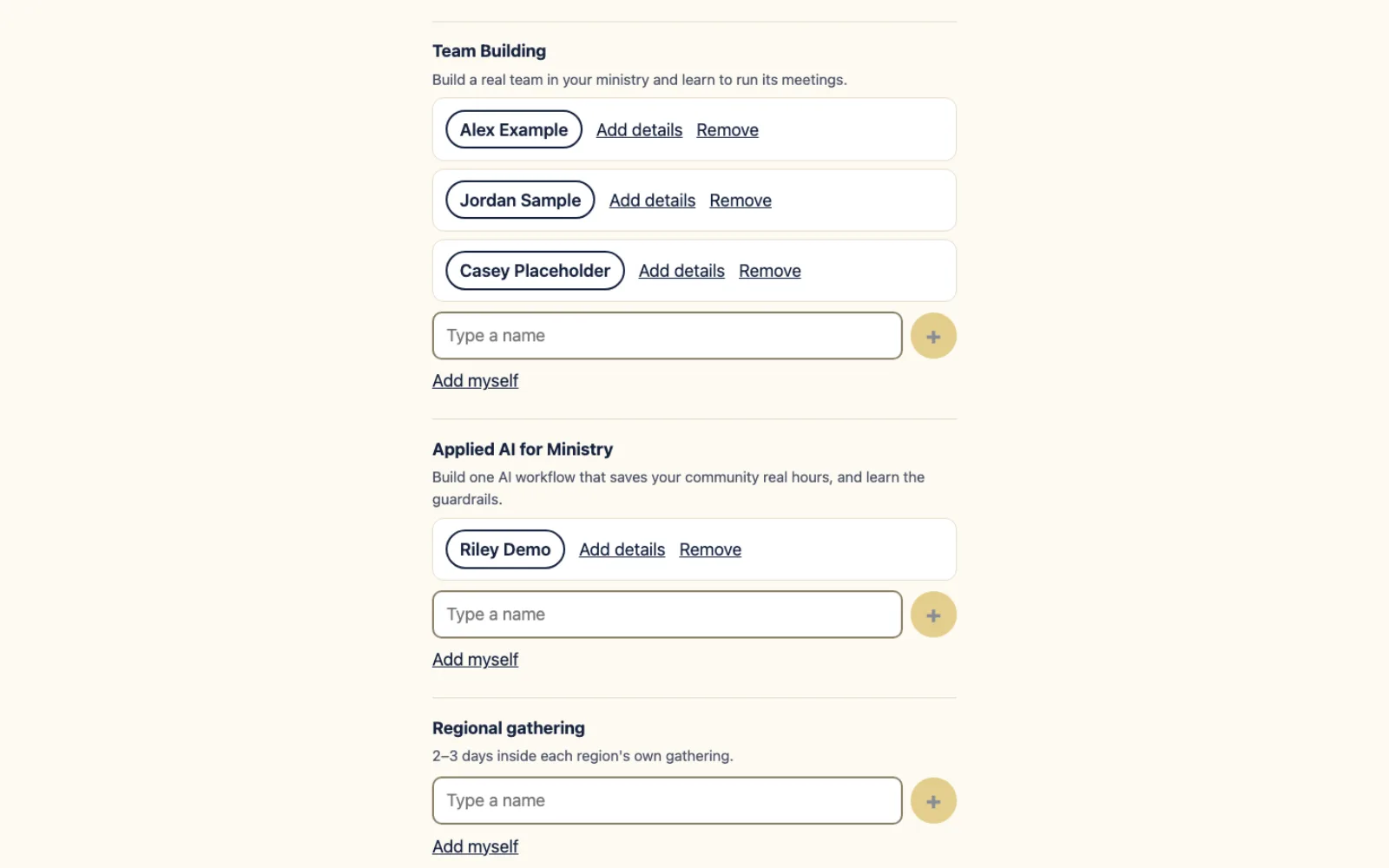
The form walks through five short steps: who is answering, who should teach, fireside speakers, mentors, and a check before sending. Under each teaching module, the person types a name and taps the plus button to add another. Each module shows its one-line description so people know what they are suggesting someone for. Anyone can also add themselves.
Pastors and leaders choose the group they answer for and, for a community, pick it from a list that comes from the organizers' own communities sheet, with the pastor's name shown. The mentors step lets a person offer to mentor or nominate someone else. Every suggested person gets their own row in a tab of the planning sheet.
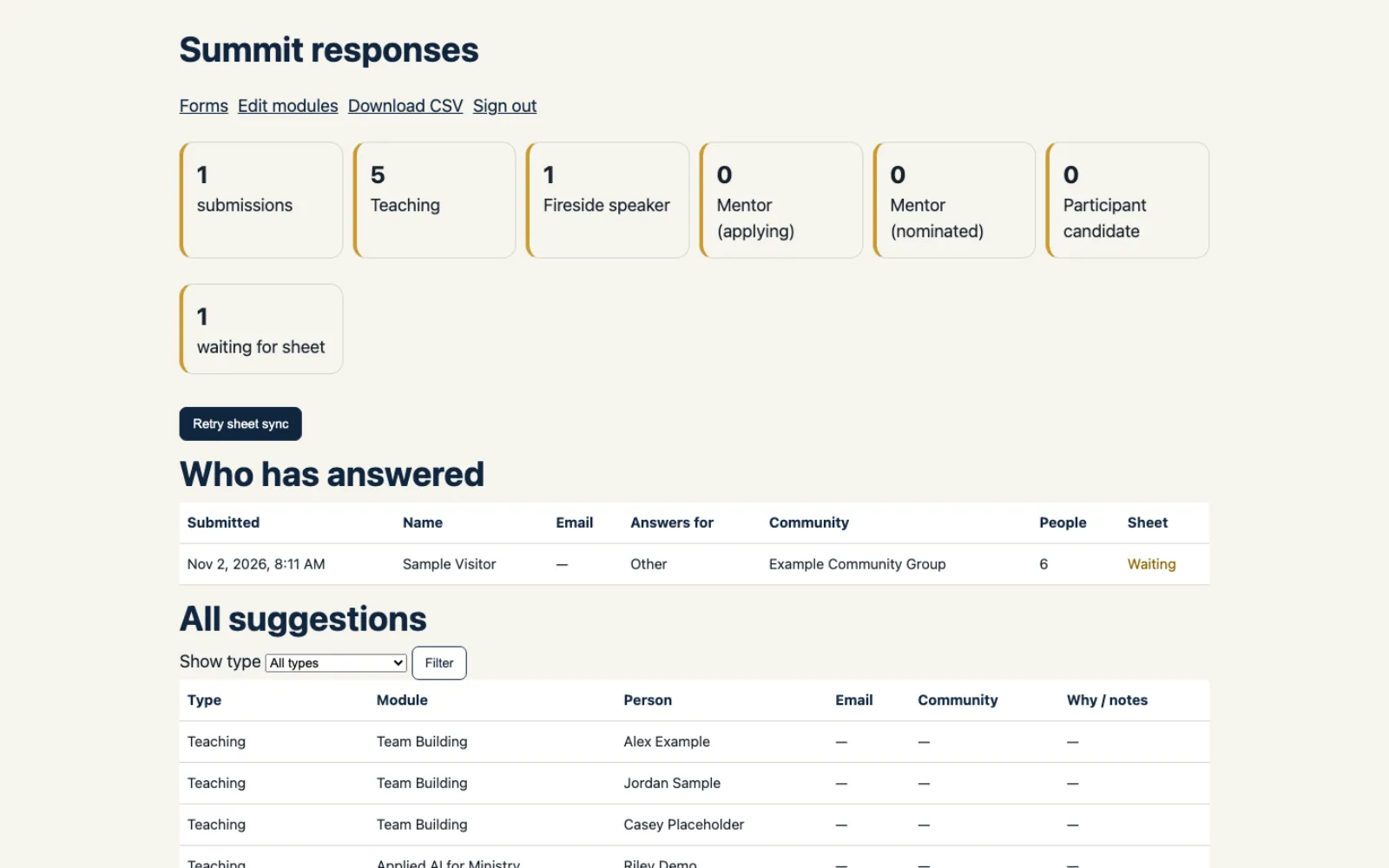
Behind the form is a password-protected admin page. Organizers see who has answered, browse every suggestion by type, download a CSV and edit the list of modules. The app keeps its own copy of every answer, so if the Google Sheet is unavailable for a moment, nothing is lost and the sync can be retried with one button. The same app can also host other simple forms, built from a field editor in the admin page.
What Summit Form does
Suggest many people in one sitting
Type a name under a module, tap the plus button and add the next one. No limit, and nothing to fill in again.
No account, built for phones
Anyone with the link can answer. Each step is one idea on the screen, with a progress bar and large type.
One row per person in your Google Sheet
Every person suggested is written as its own row in a tab of the planning sheet. Other tabs are never touched.
Your answers are kept safely
The app stores every answer itself, so a Google Sheets outage loses nothing. Organizers can retry the sheet sync from the admin page.
A simple admin page for organizers
See who has answered, filter suggestions by type, download a CSV, and edit or hide the modules shown on the form.
Other forms from the same app
Build a new form from a field editor, including a repeatable add-another-name list. A new form starts as a draft and only the signed-in admin sees it until it is published.
Summit Form screens
Questions about Summit Form
Do people need an account to use the form?
No. Anyone with the link can open it and answer. Only the organizers' admin page needs a password.
What happens if the Google Sheet is not reachable when someone submits?
The answer is saved in the app first. The admin page shows which submissions are still waiting for the sheet, and a Retry sheet sync button sends them again.
Can you build a form like this for our event?
Yes. Custom forms and sign-up pages are part of what we build. The app can host other simple forms, and we can set one up to write to your own Google Sheet.
Technical details
- Next.js
- Prisma
- PostgreSQL
- Google Sheets API
- Caddy
Related work
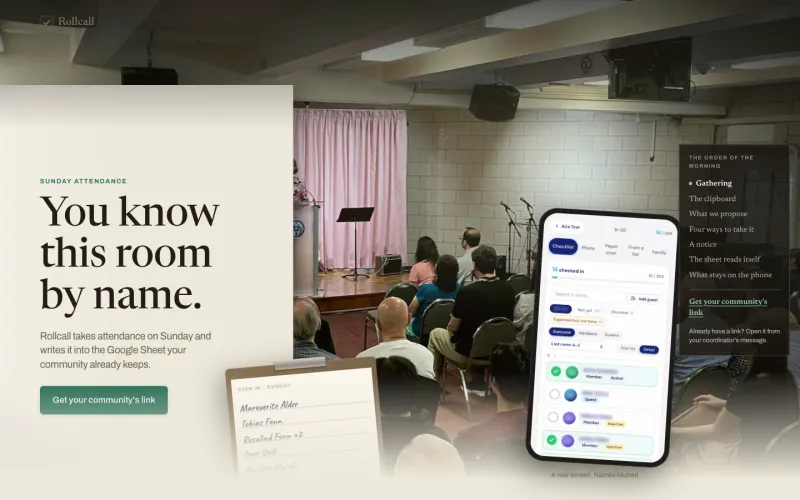
Rollcall
Take Sunday attendance on a phone, or photograph the paper sign-in sheet, and the names land in the Google Sheet your community already keeps.
See the screenshots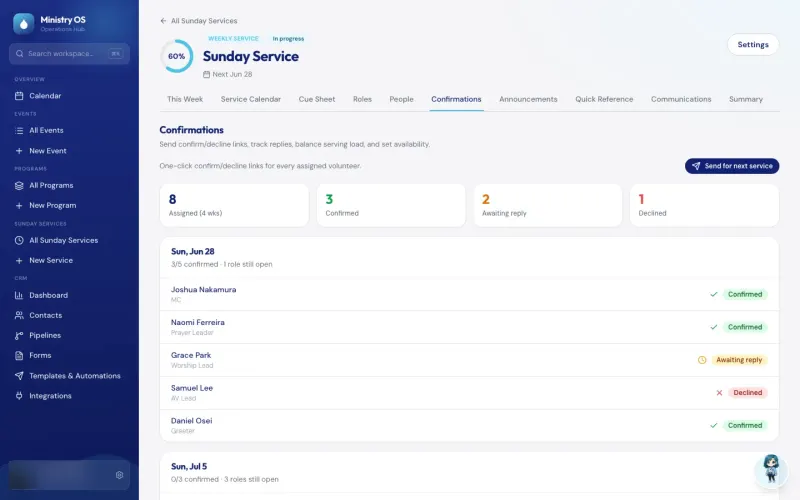
Ministry OS
Plan events, programs and Sunday services in one app instead of separate spreadsheets, with an AI coach for new plans and a link that lets volunteers claim an open MC or prayer leader slot.
See the screenshots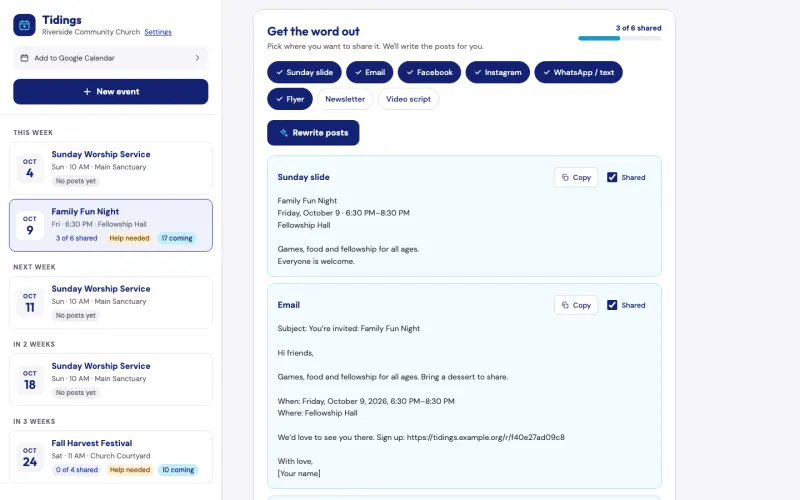
Tidings
Describe a church event once, and Tidings drafts a post for each channel, turns your note to your teams into an email and can add a sign-up page. It is free for pastors, and we can show it to you on the assessment call.
See the screenshotsCollect many names in one sitting
Tell us what your team keeps collecting by Google Form or email, and we will show you how it could work as one sitting on a phone.
The assessment is free, with no commitment.
- Email purewaterva58@gmail.com
- Call +1 908 357 7801