Google Ad Grants pre-check Ad Grants Eligibility Screener
Checks a nonprofit against Google's Ad Grants rules on the first call and returns what to fix, in order, before anyone spends hours on an application.
The assessment is free, with no commitment. You answer about 15 questions and pick a time, or call +1 908 357 7801.
About Ad Grants Eligibility Screener
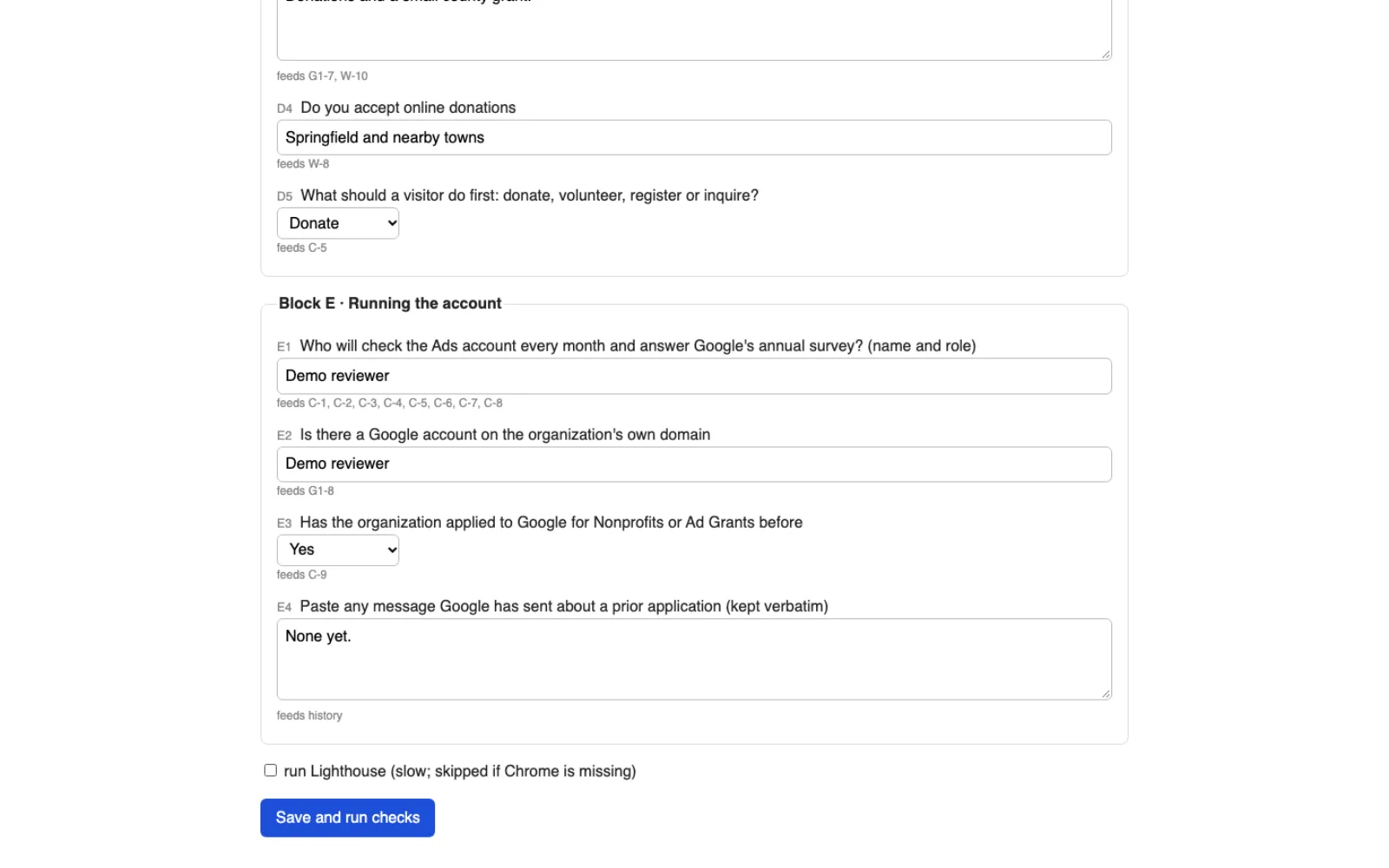
The Ad Grants Eligibility Screener is an internal tool Pure Water Automations is building for its own team. It checks a nonprofit against 28 written rules for Google Ad Grants, using the IRS list of nonprofits, a short intake form and a look at the organization's website. It returns what is ready, what is not and a fix list in the order to tackle it, and it never says approved.
Why we built Ad Grants Eligibility Screener
An Ad Grants application takes about 20 hours of work, and the one attempt we could trace in detail stalled on facts we could have known at the start. A wrong yes costs hours, and a wrong no loses a client. We wanted a first-call check that says where an organization stands and what to fix first.
How Ad Grants Eligibility Screener works
Every rule in the screener comes from a written rulebook. Each rule carries a link to Google's own page and the date we last checked it. Where Google's rules are unclear, the screener says unknown and tells us to ask Google or its validation partner instead of guessing.
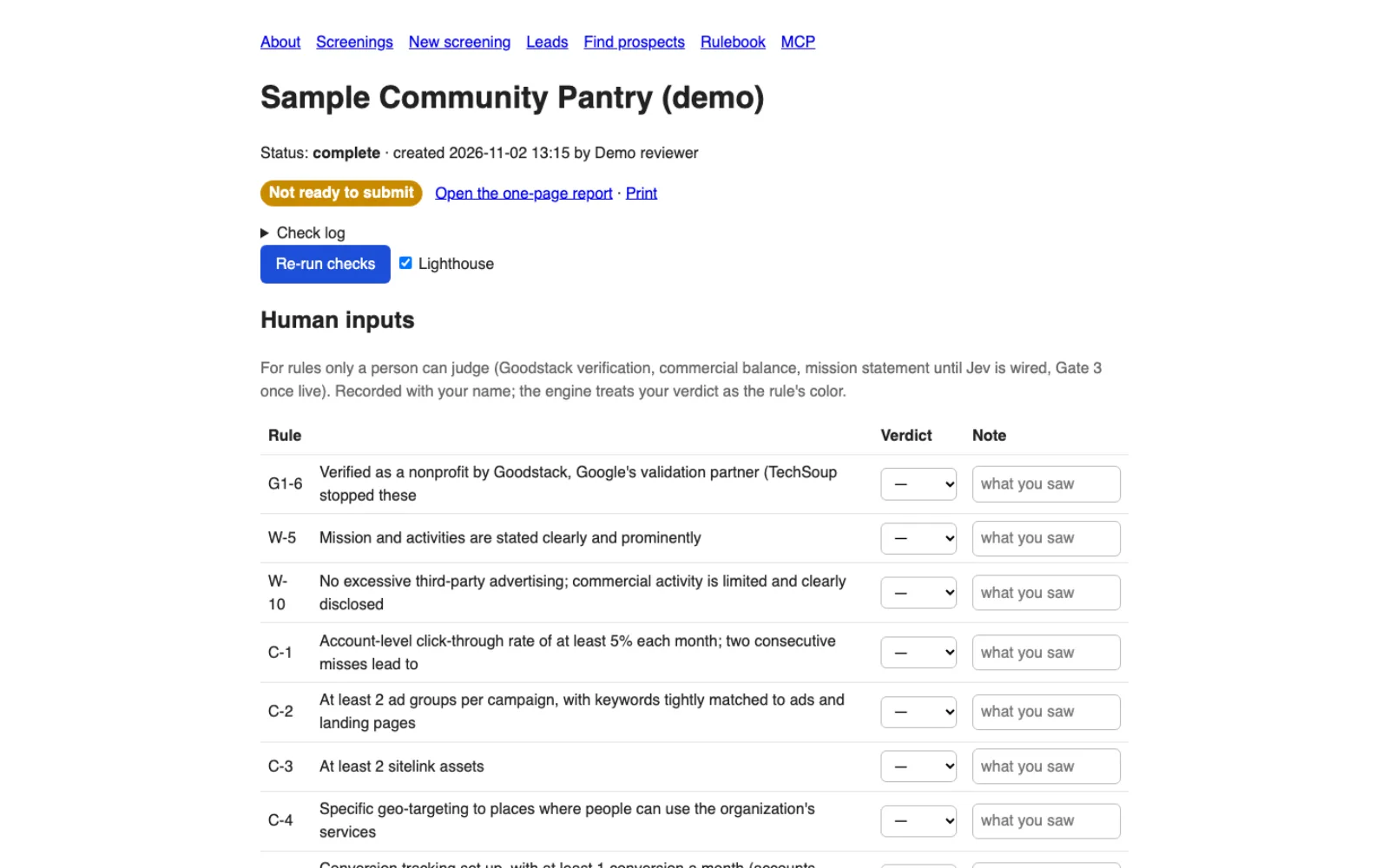
On a discovery call, a team member fills in a short form of 25 questions. The screener looks up the organization in the IRS list and reads its website, one page per second and following the site's robots.txt, then scores three gates, the organization, the website and whether it can sustain a grant. A few rules, such as the nonprofit verification and how clearly the mission is stated, are marked for a person to judge and record with their name.
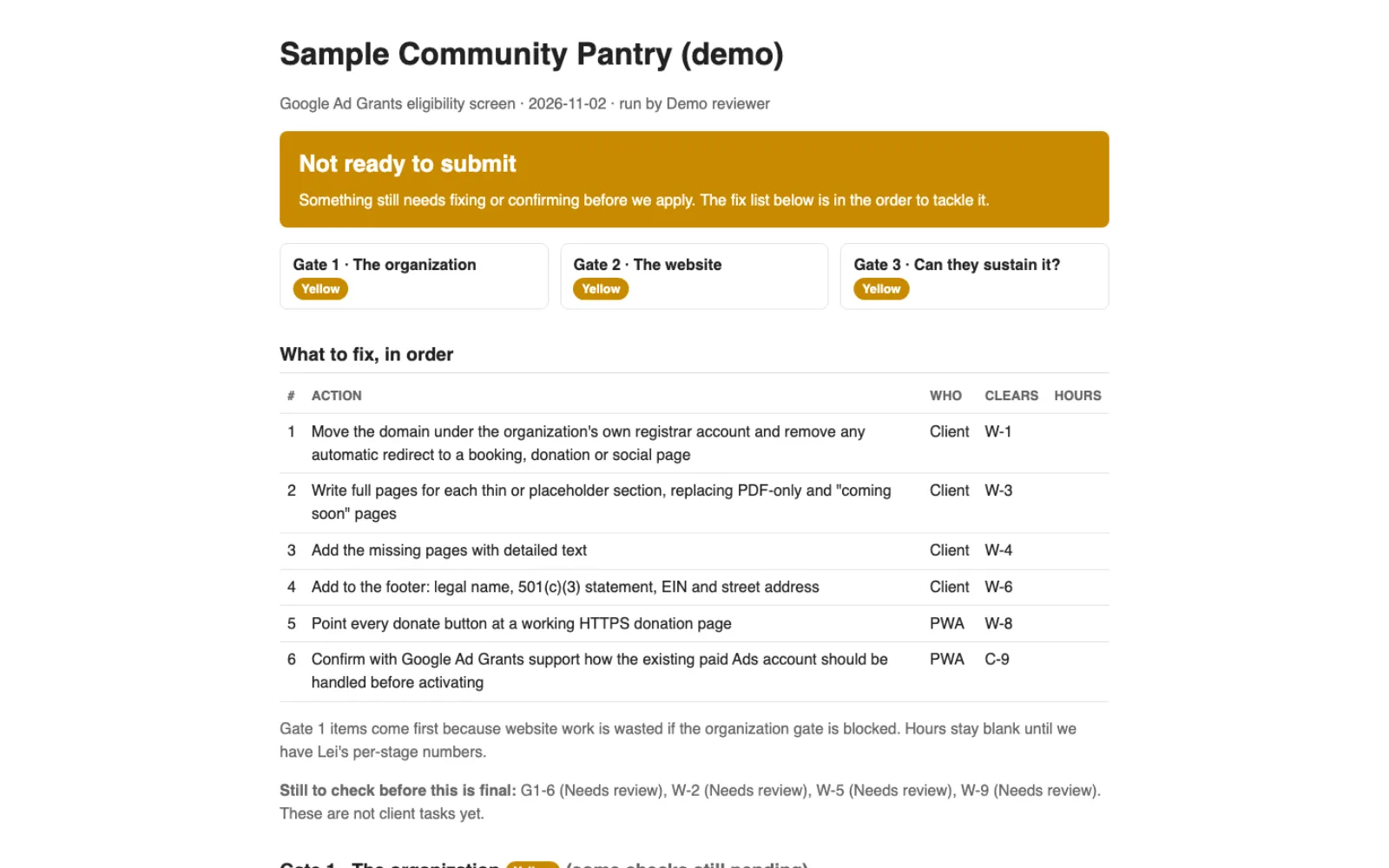
The most it will say is Ready to submit, because Google can turn down any application. Government bodies, schools, hospitals and organizations with no 501(c)(3) of their own stop the screen at once, and its suggested fixes only point to legitimate routes such as the organization's own 501(c)(3).
A prospect mode lists nonprofits in a state or cause area that look close to eligible. Those results are marked unconfirmed until someone talks to the organization. Any AI assistant that supports MCP can run the same screens with an access token.
What Ad Grants Eligibility Screener does
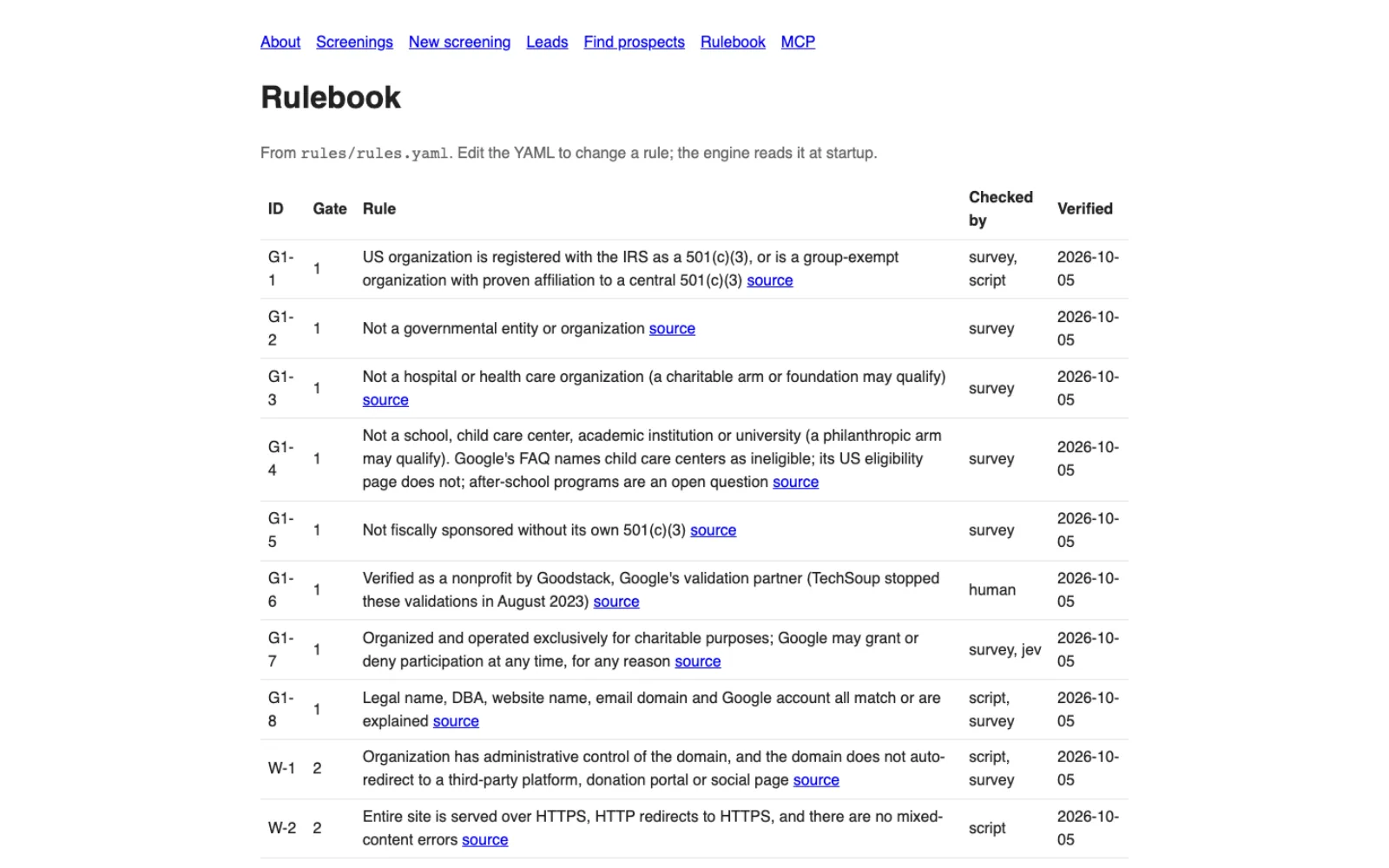
28 rules, each with its source
Every rule links to Google's page and shows when we last checked it.
One-page report with a fix list
Three gates are scored, and the actions come in the order to tackle them, with who does each.
Checks the website for you
It reads the site for HTTPS, required pages, the legal name and address in the footer, working donation links and ad networks.
People record what only a person can judge
Rules like the nonprofit verification are marked for a person, whose name is recorded with the verdict.
Finds nonprofits that look close
Prospect mode searches the IRS list by state, cause and size, and labels every result unconfirmed.
Works with AI assistants
An AI assistant can run screens and read reports through MCP, with an access token.
Ad Grants Eligibility Screener screens
Questions about Ad Grants Eligibility Screener
Will it tell us we will be approved?
No. Google can deny any application at any time. The best the screener says is Ready to submit.
Is it open to the public?
Not yet. It is an internal tool for our own team on discovery calls and when screening leads. A public version on our nonprofit site is planned for later, once the rules have held up on real cases.
What does it do when a rule is unclear?
It says unknown and points us to Google or its validation partner. It does not pick an answer.
Can you screen our organization?
Yes. Tell us about your organization and we will run the check with you. The tool is part of how we scope Ad Grants work.
Technical details
- Node 22
- SQLite
- YAML rulebook
- Lighthouse
- MCP
Related work
Automation Engine
Runs routine jobs on a schedule or when another app asks, and its email, WhatsApp and Telegram steps can wait until someone approves the message.
See how it works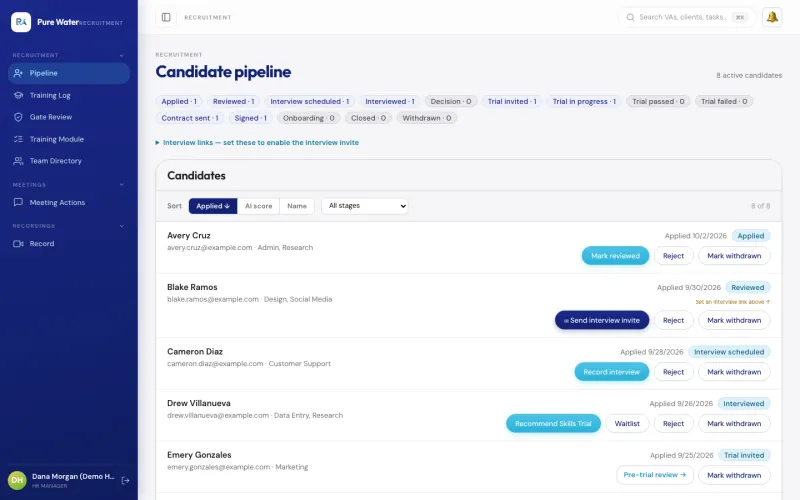
VA Management Console
The app our own virtual assistant team uses for hiring a new assistant, assigning tasks, tracking hours and running payroll.
See the screenshots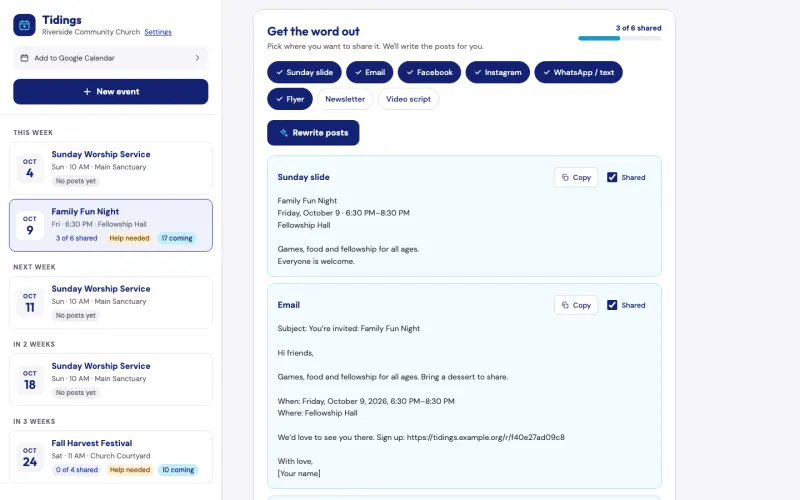
Tidings
Describe a church event once, and Tidings drafts a post for each channel, turns your note to your teams into an email and can add a sign-up page. It is free for pastors, and we can show it to you on the assessment call.
See the screenshotsFind out where your nonprofit stands on Google Ad Grants
Tell us about your nonprofit and we will tell you honestly where it stands for Google Ad Grants.
The assessment is free, with no commitment.
- Email purewaterva58@gmail.com
- Call +1 908 357 7801